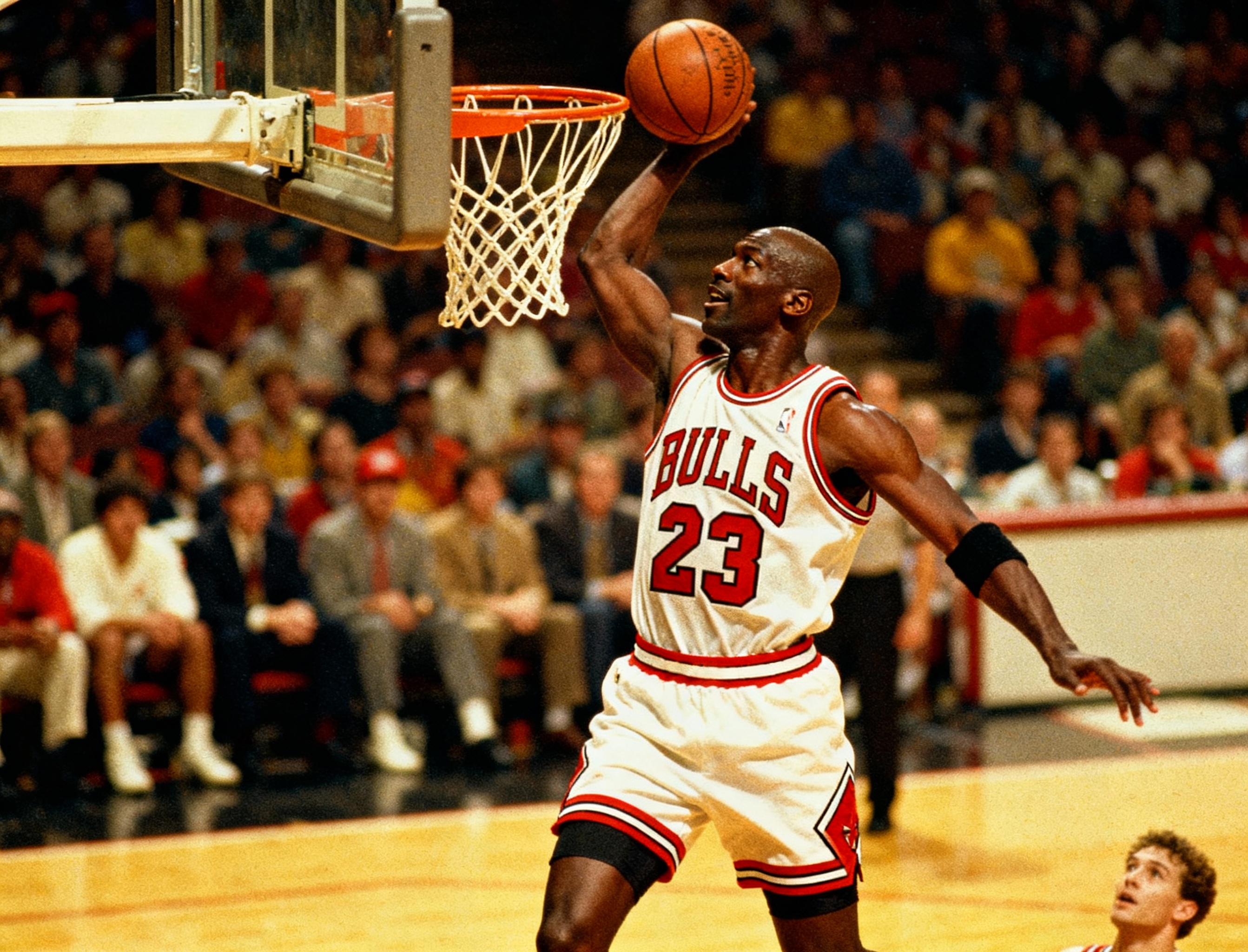



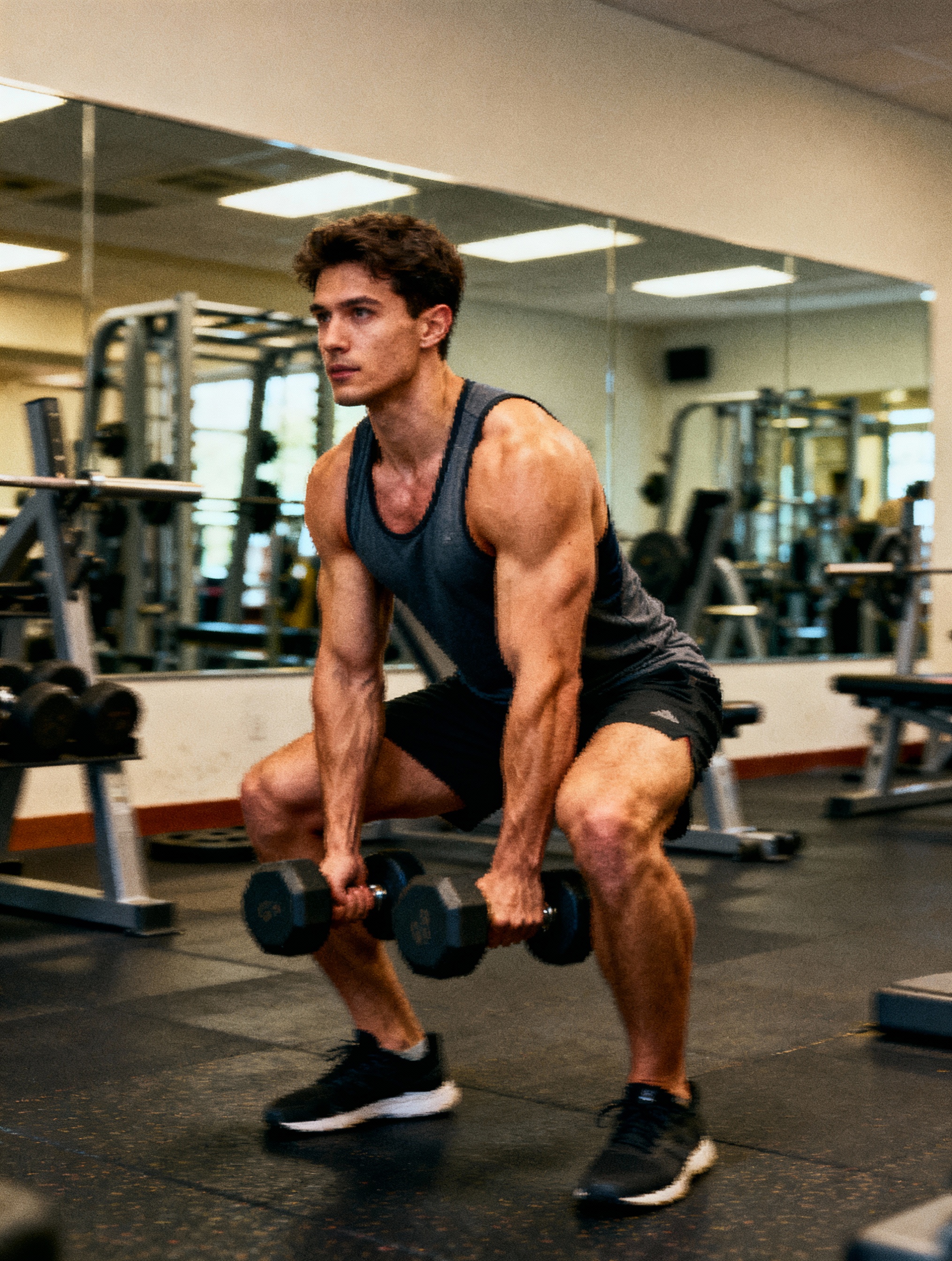
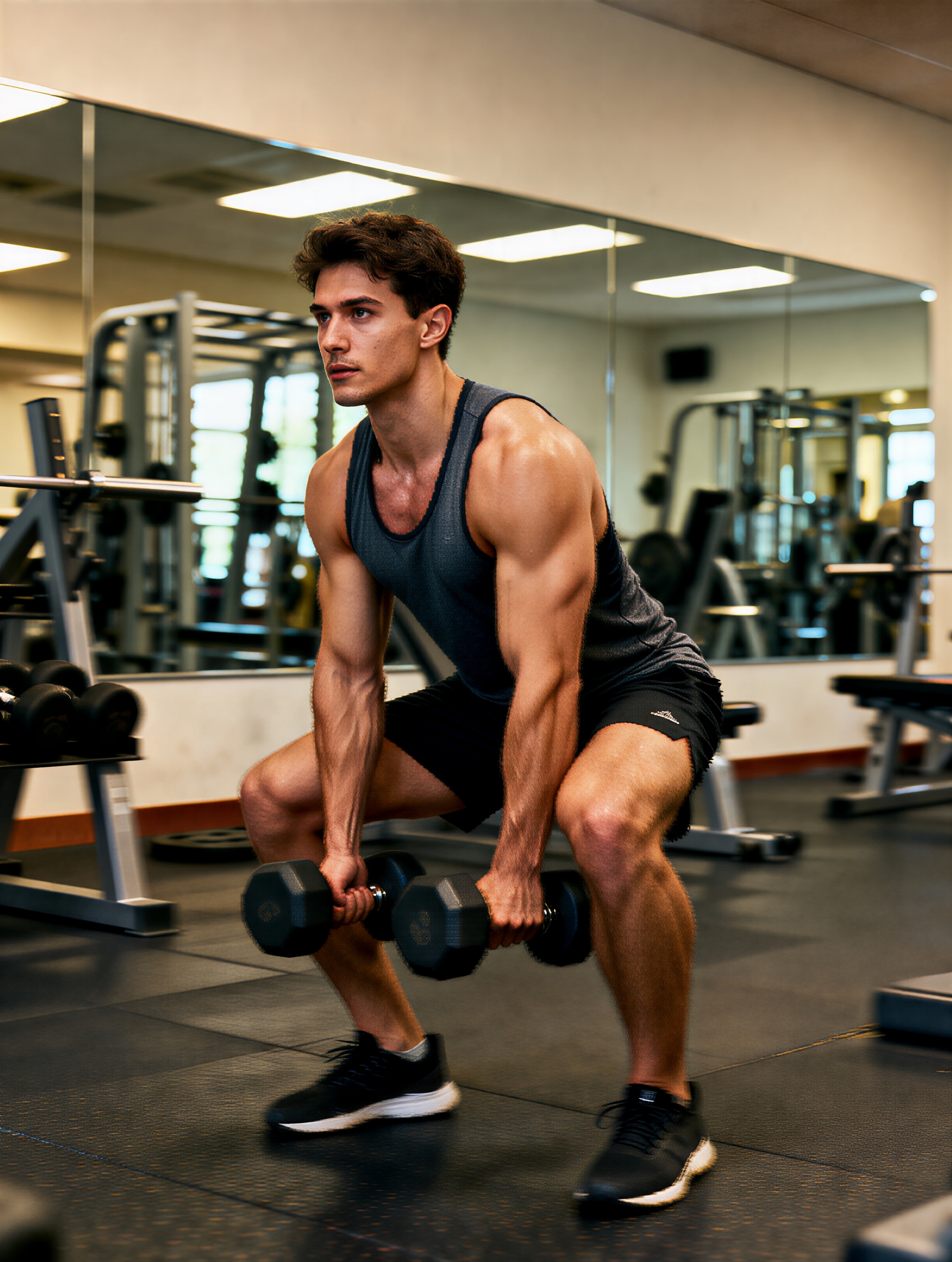
Step 1
Upload the original image
Choose the image that needs more resolution, sharper detail, or a cleaner export for your next use case.
Sharpen photos and image assets with AI upscaling built for cleaner edges and clearer export quality.
Improve a soft or undersized image by uploading it, running AI upscaling, and exporting the cleanest result.
Step 1
Choose the image that needs more resolution, sharper detail, or a cleaner export for your next use case.
Step 2
Let the model increase clarity and detail while preserving the core look of the original image.
Step 3
Compare the before-and-after result, keep the clearest export, and use it in ads, landing pages, or product assets.
Questions about sharpening photos and improving export quality with AI upscaling.
Product shots, social graphics, screenshots, generated artwork, and compressed photos benefit most when the original is slightly soft but still readable.
No. It is meant to preserve the original framing and subject while improving sharpness, detail, and export quality.
Use Image Upscaler when clarity is the problem. Use Image Expander when the canvas is too tight and you need more space around the subject.
Pair AI upscaling with VibeAha image expansion and generation tools when you need both clarity improvements and layout flexibility.
İçerik üreticileri tarafından herkesin içindeki içerik üreticisi için tasarlandı
600 binden fazla takipçisi olan bir TikTok ve YouTube MCN'i yönetiyoruz, bu yüzden sizinle aynı algoritma dalgalanmalarını ve içerik öğütme sürecini yaşıyoruz. VibeAha, yaratımın nasıl hissettirmesi gerektiğine inandığımız şeydir: işbirlikçi, erişilebilir ve hızlı. VibeAha'yı her içerik üreticisi ve her ekip için sürekli olarak daha sezgisel, daha güçlü ve daha iyi hale getiriyoruz.