Step 1
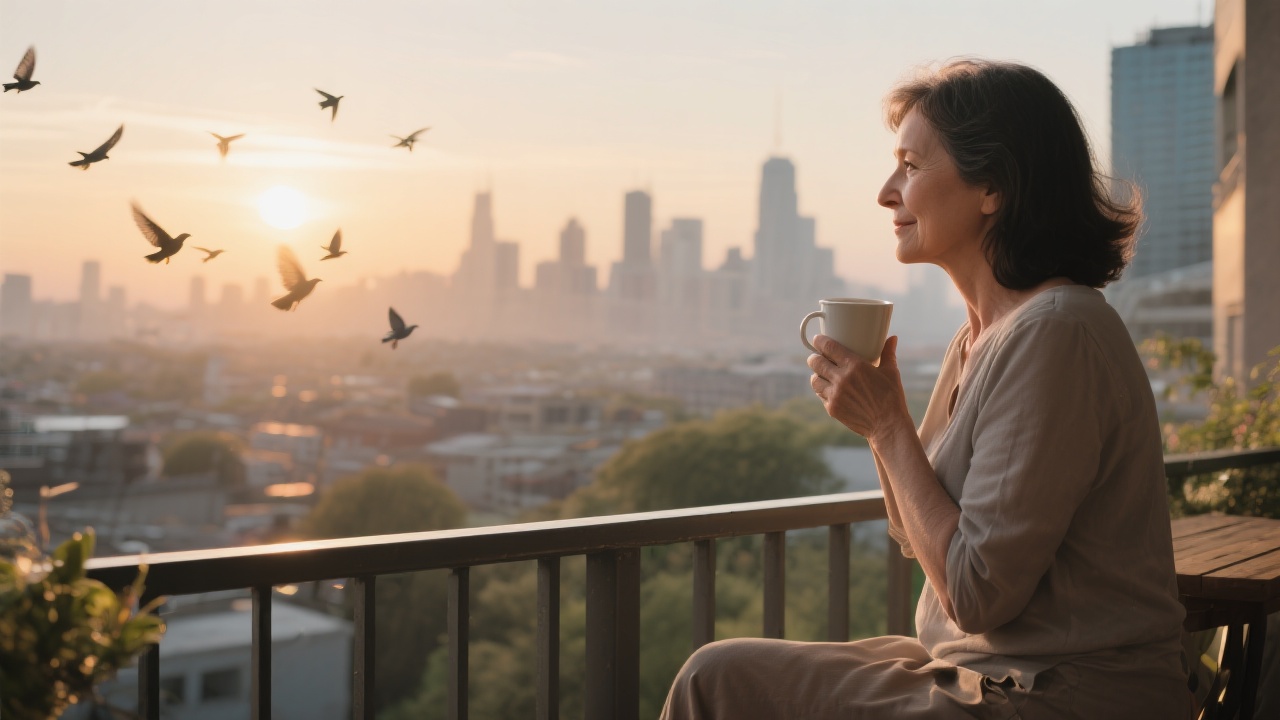
Upload the original image
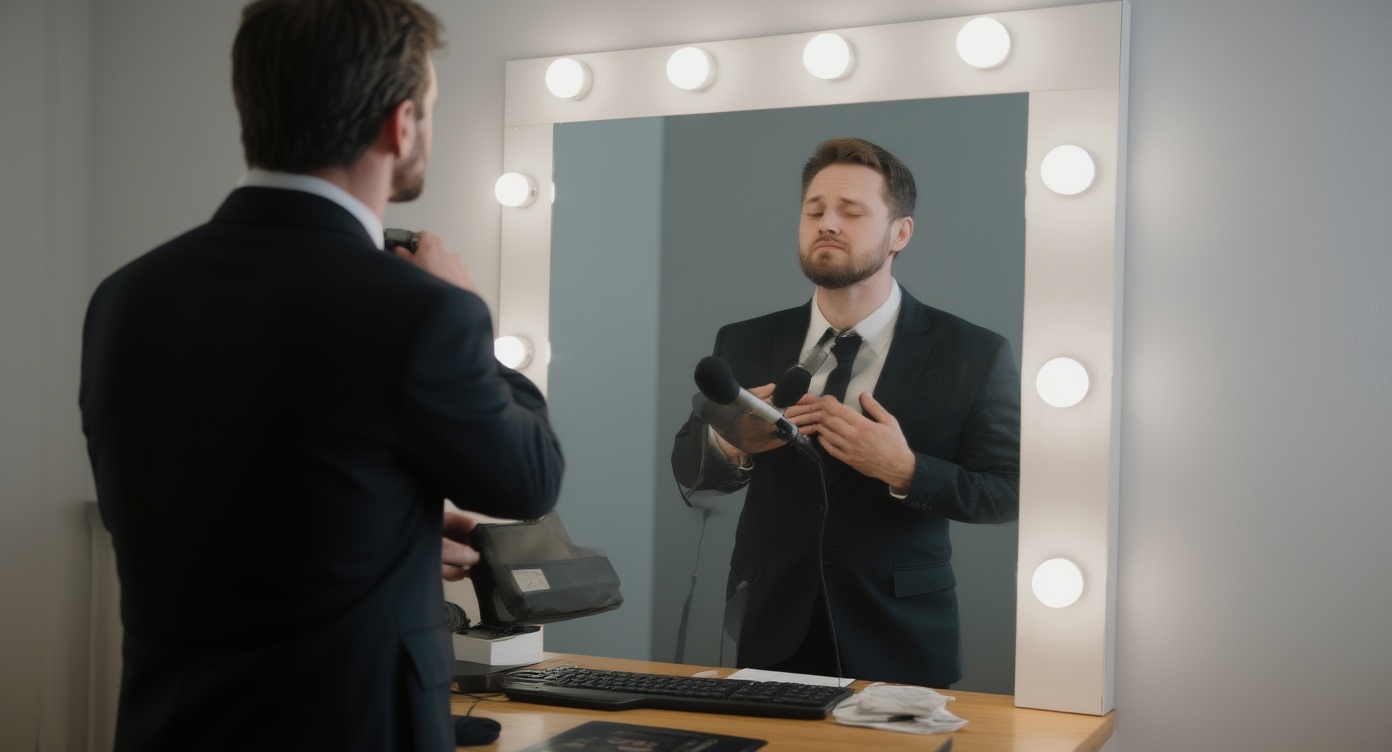
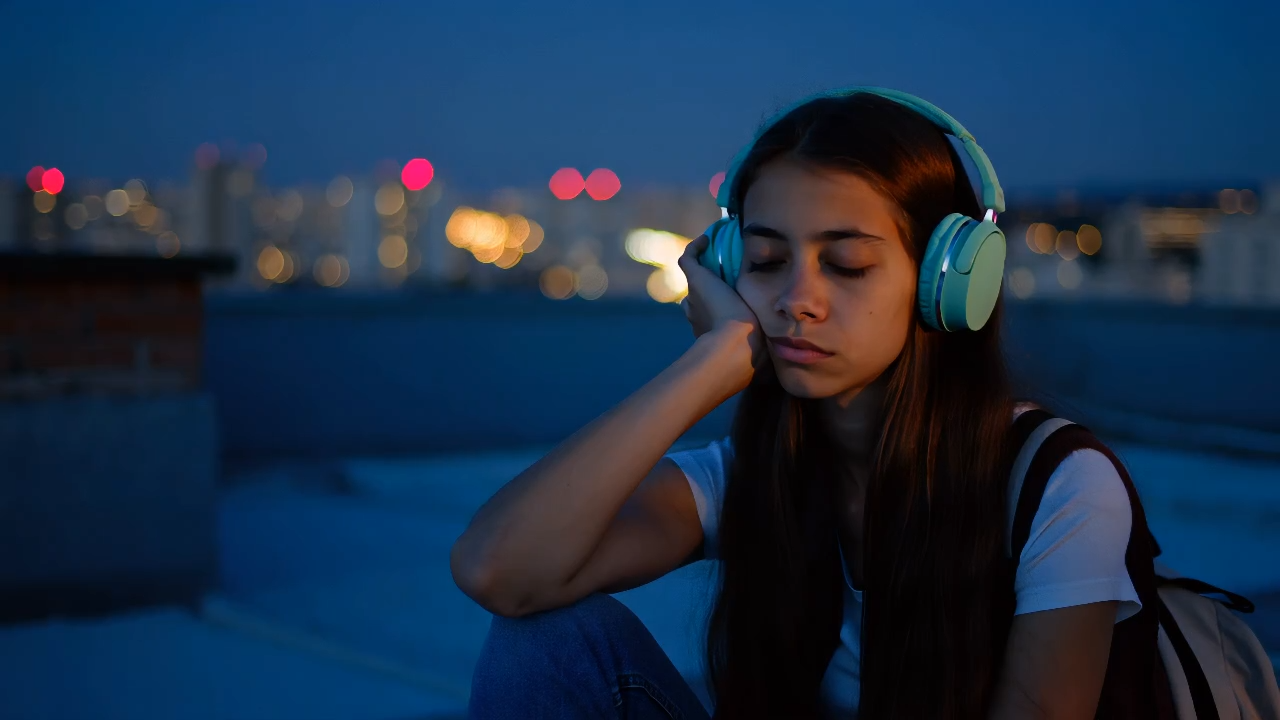
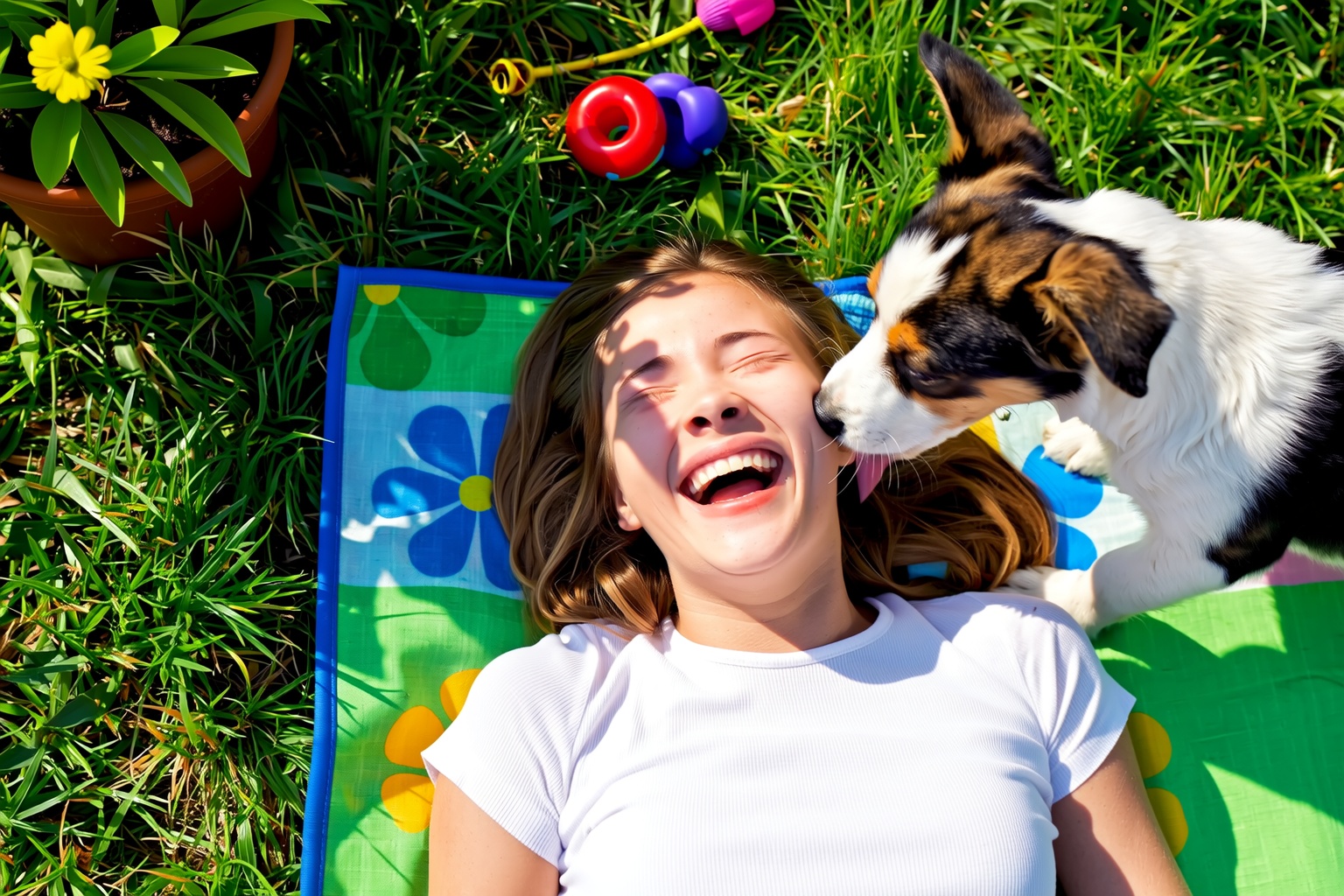
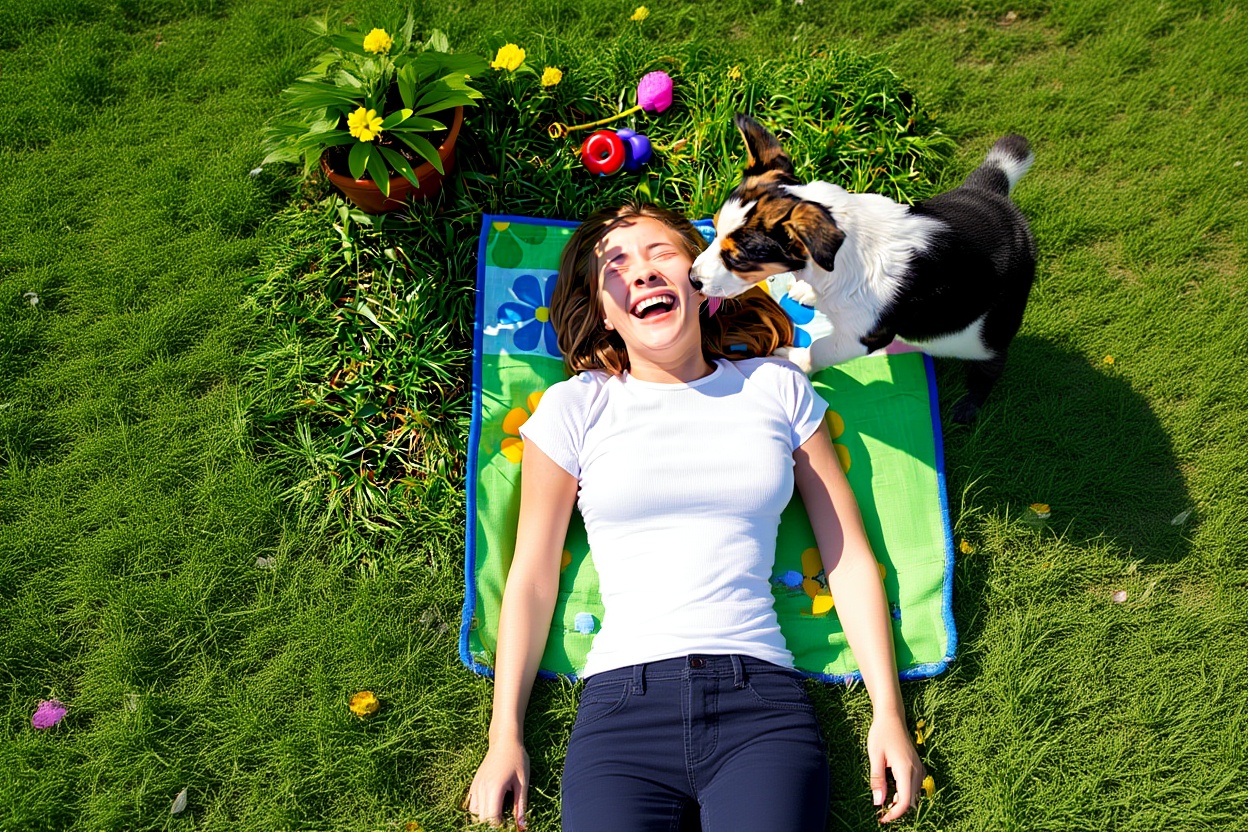
Start with a clean source image that already has the right subject and visual direction.
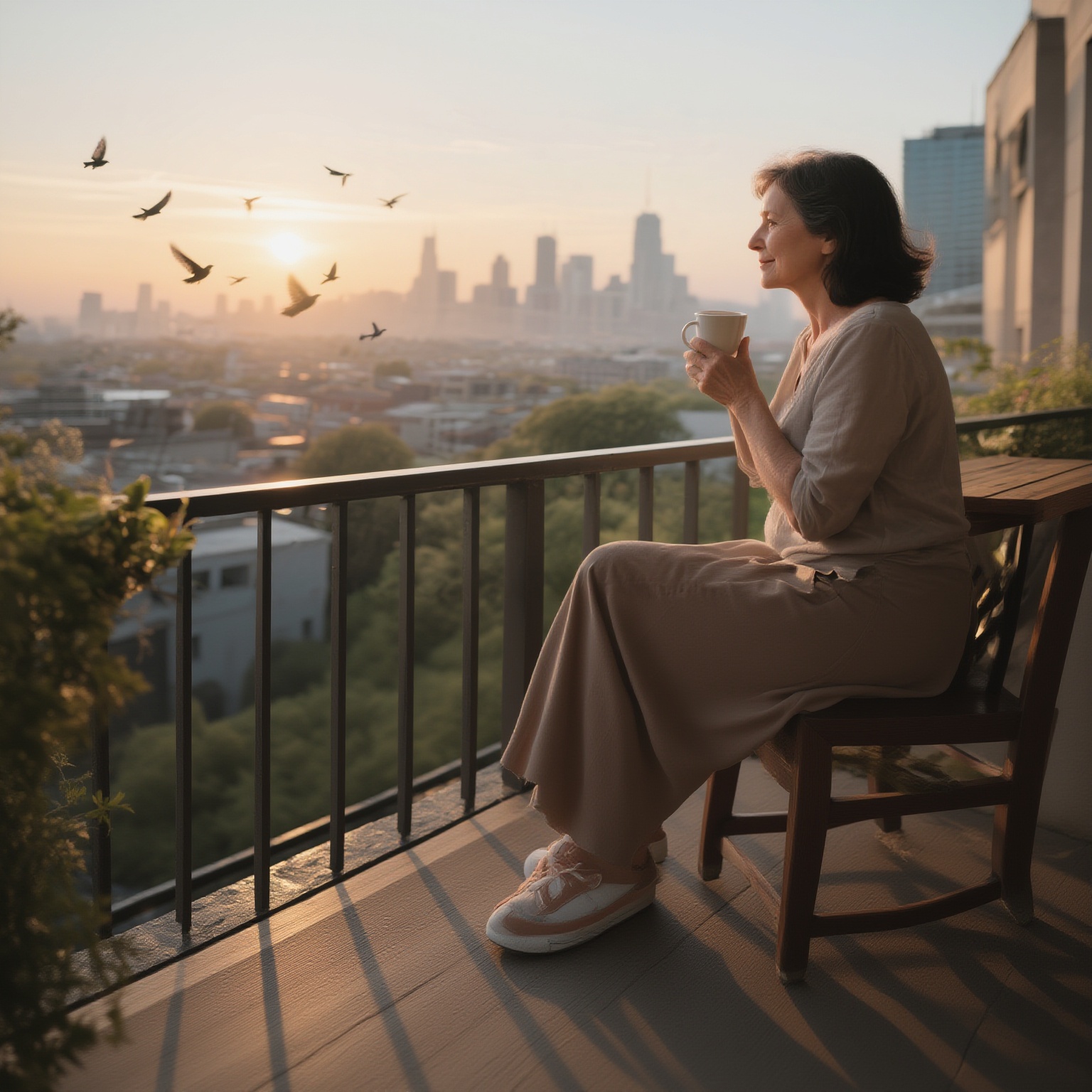
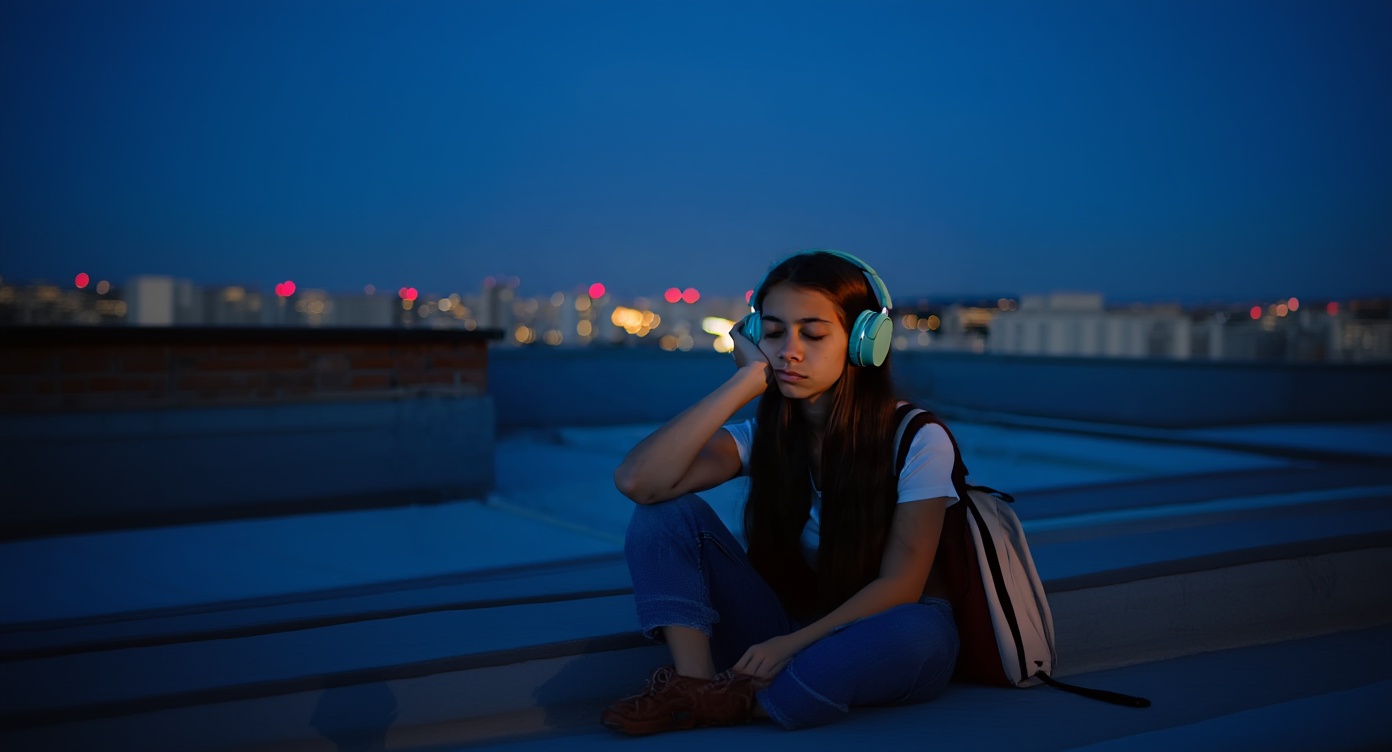
Extend the canvas around an image and create cleaner room for banners, social crops, and layout changes.
Use outpainting when an existing image needs more space for layout, copy, or a new crop ratio.
Step 1
Start with a clean source image that already has the right subject and visual direction.
Step 2
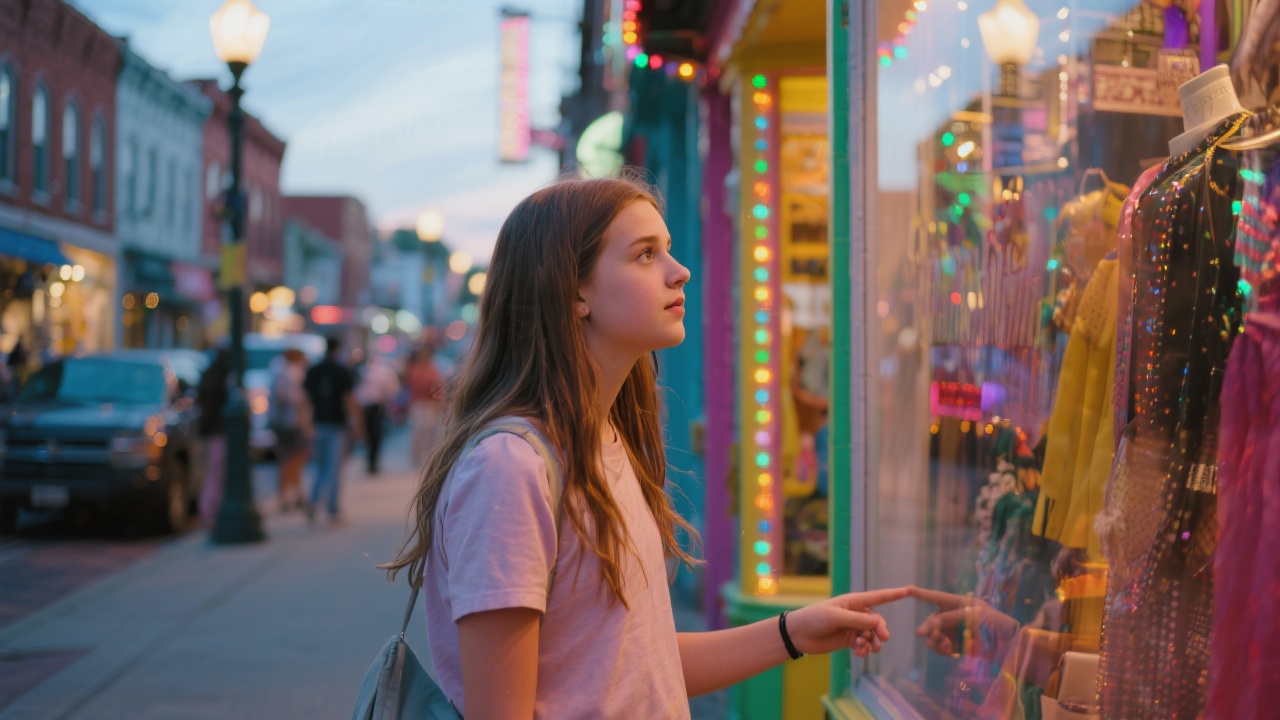
Expand the frame where you need extra space, whether that is for a banner, hero, or vertical adaptation.
Step 3
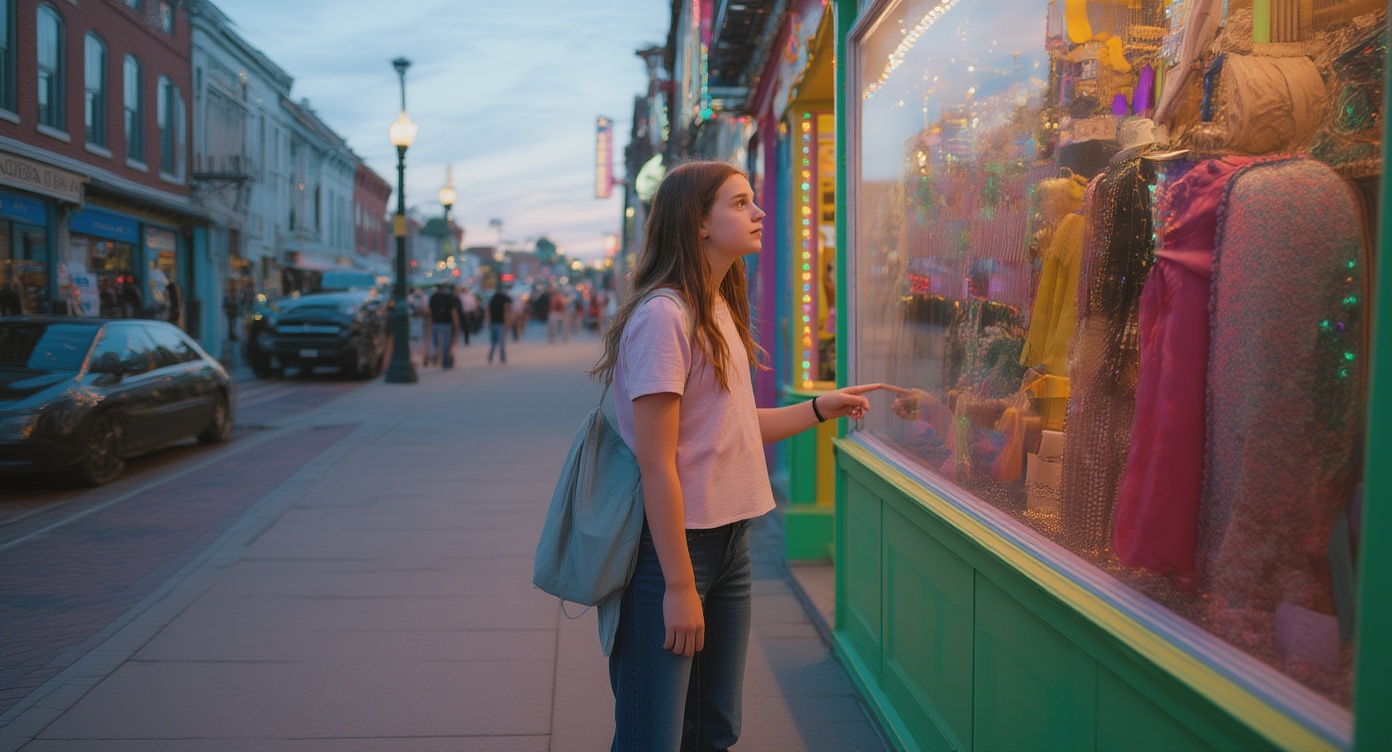
Review the new edges, keep the most natural outpainted result, and export the image for the next layout step.
Questions about extending image borders with AI outpainting.
It is best used when an existing image needs more space for banner copy, mobile crops, hero layouts, or ad sizes without rebuilding the main subject.
Start with a clear source image, avoid low-detail originals, and expand in the direction that gives the model enough visual context to continue naturally.
Use Image Expander when the current image is already good and only needs more canvas. Generate a new image when the composition itself still needs to change.
Follow image expansion with other VibeAha tools for upscaling, new model generations, or additional creative edits.
Construido por creadores para el creador en todos
Dirigimos un MCN de TikTok y YouTube con más de 600K seguidores, así que vivimos los mismos cambios de algoritmo y la rutina de contenido que tú. VibeAha es como creemos que debería sentirse la creación: colaborativa, accesible y rápida. Estamos constantemente haciendo que VibeAha sea más intuitivo, más poderoso y simplemente mejor, para cada creador y cada equipo.