


Step 1
Upload the original image
Choose the image that needs more resolution, sharper detail, or a cleaner export for your next use case.
Sharpen photos and image assets with AI upscaling built for cleaner edges and clearer export quality.
Improve a soft or undersized image by uploading it, running AI upscaling, and exporting the cleanest result.
Step 1
Choose the image that needs more resolution, sharper detail, or a cleaner export for your next use case.
Step 2
Let the model increase clarity and detail while preserving the core look of the original image.
Step 3
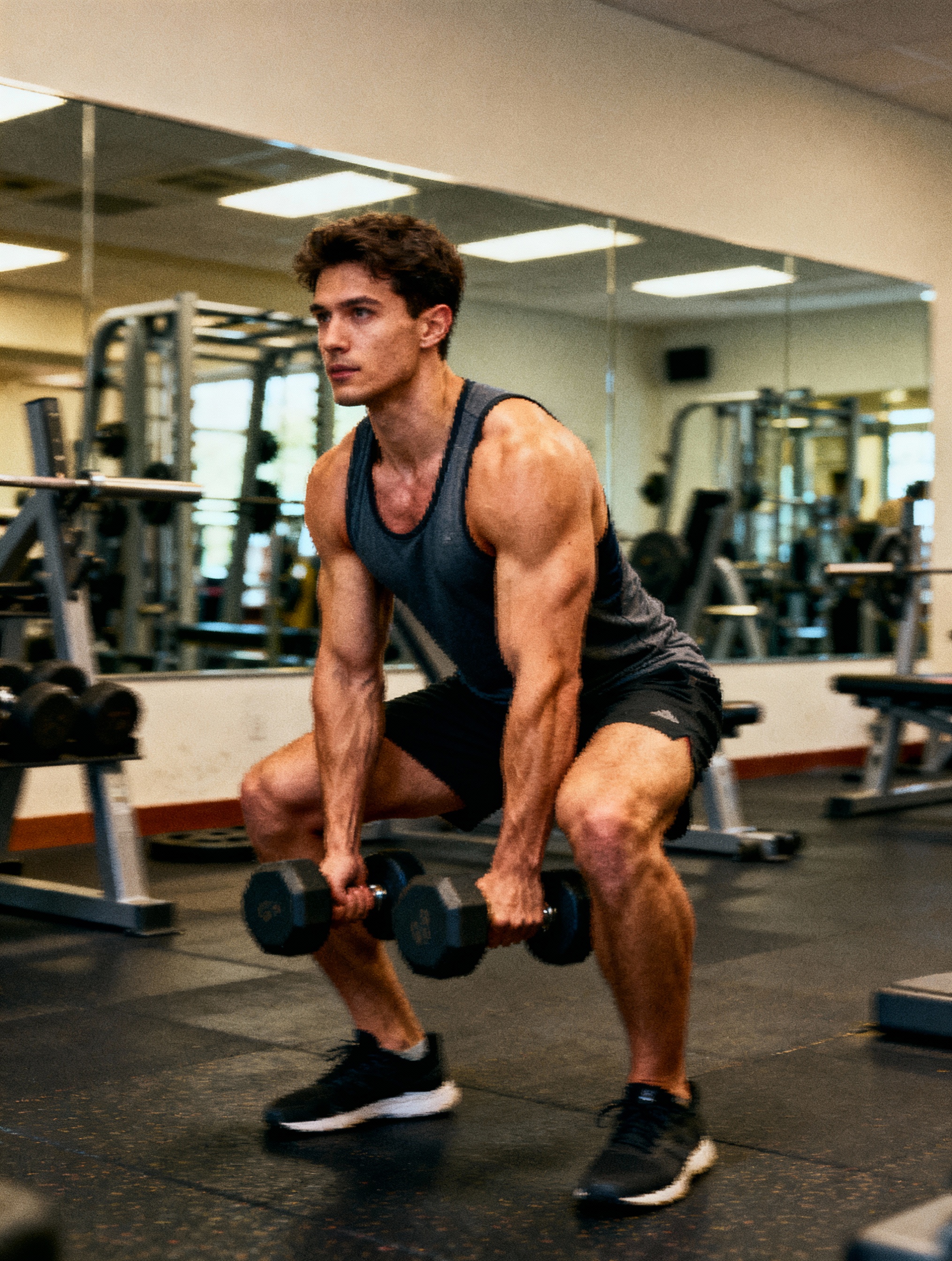
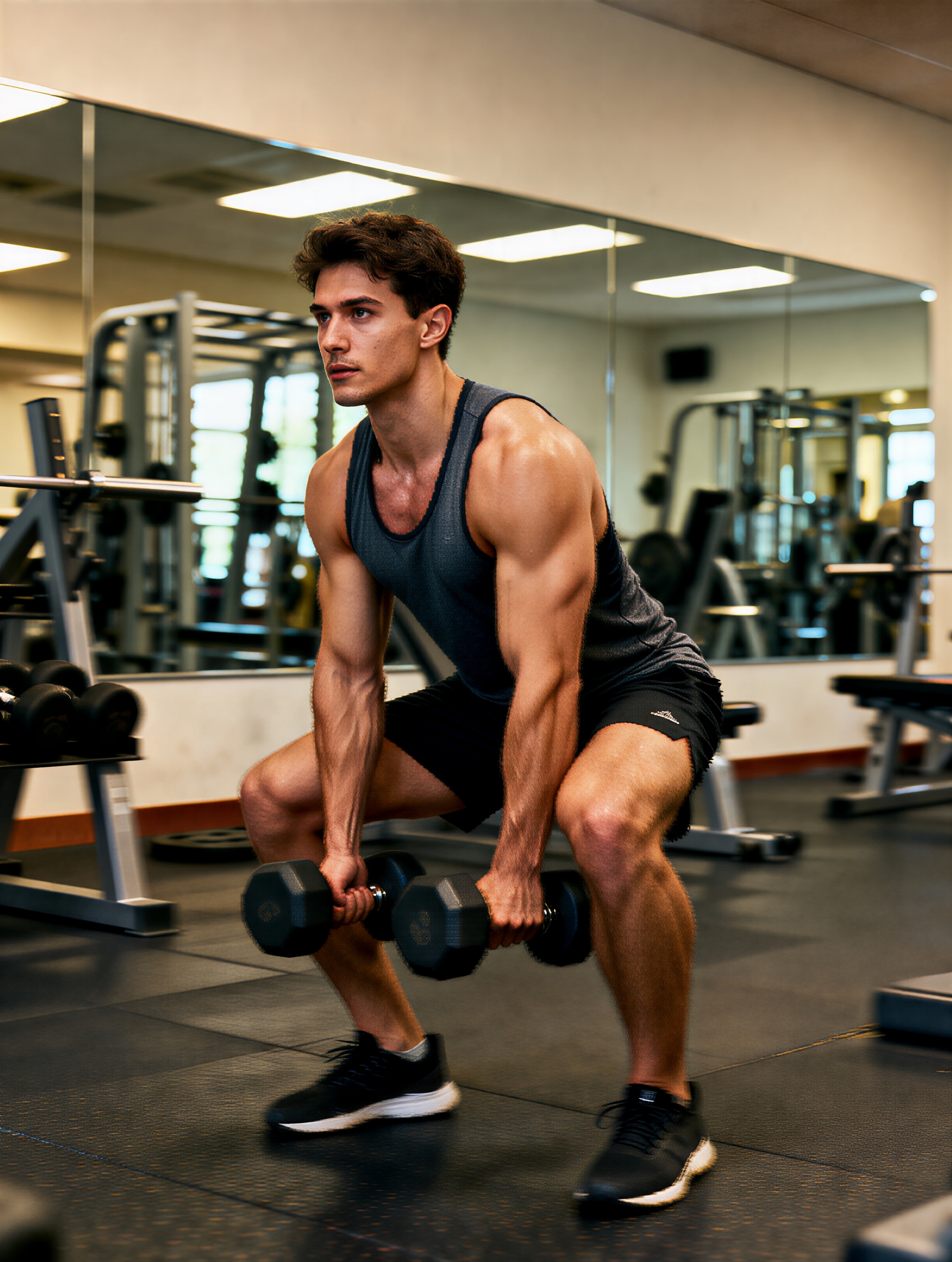
Compare the before-and-after result, keep the clearest export, and use it in ads, landing pages, or product assets.
Questions about sharpening photos and improving export quality with AI upscaling.
Product shots, social graphics, screenshots, generated artwork, and compressed photos benefit most when the original is slightly soft but still readable.
No. It is meant to preserve the original framing and subject while improving sharpness, detail, and export quality.
Use Image Upscaler when clarity is the problem. Use Image Expander when the canvas is too tight and you need more space around the subject.
Pair AI upscaling with VibeAha image expansion and generation tools when you need both clarity improvements and layout flexibility.
クリエイターがつくった、すべての人の中のクリエイターのためのVibeAha
私たちは TikTok と YouTube で合計 60 万人以上のフォロワーを抱える MCN を運営しているので、動画クリエイターとしてのアルゴリズムの揺れや制作の大変さをよく知っています。VibeAha は、私たちが理想とするクリエイションのかたち──コラボしやすく、誰でも使いやすく、そして速い──を実現するためのツールです。VibeAha をもっと直感的で、もっとパワフルで、すべてのクリエイターとチームにとってより良いスタジオにし続けています。