Step 1
Upload the portrait and audio
Choose a readable face image and a clean audio file so the model has stronger source material for sync.
Turn one portrait and one audio track into a talking video for explainers, promos, and creator content.
30 credits/second
Source Materials
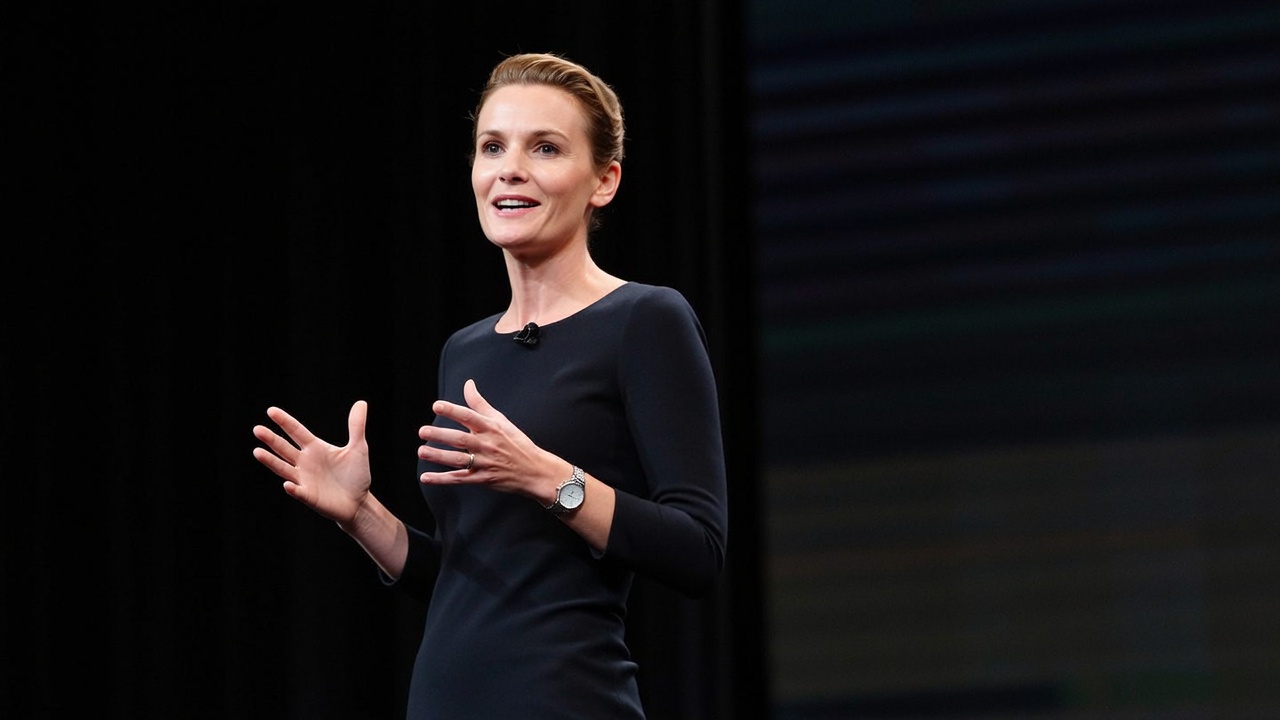
Generated Video
Source Materials
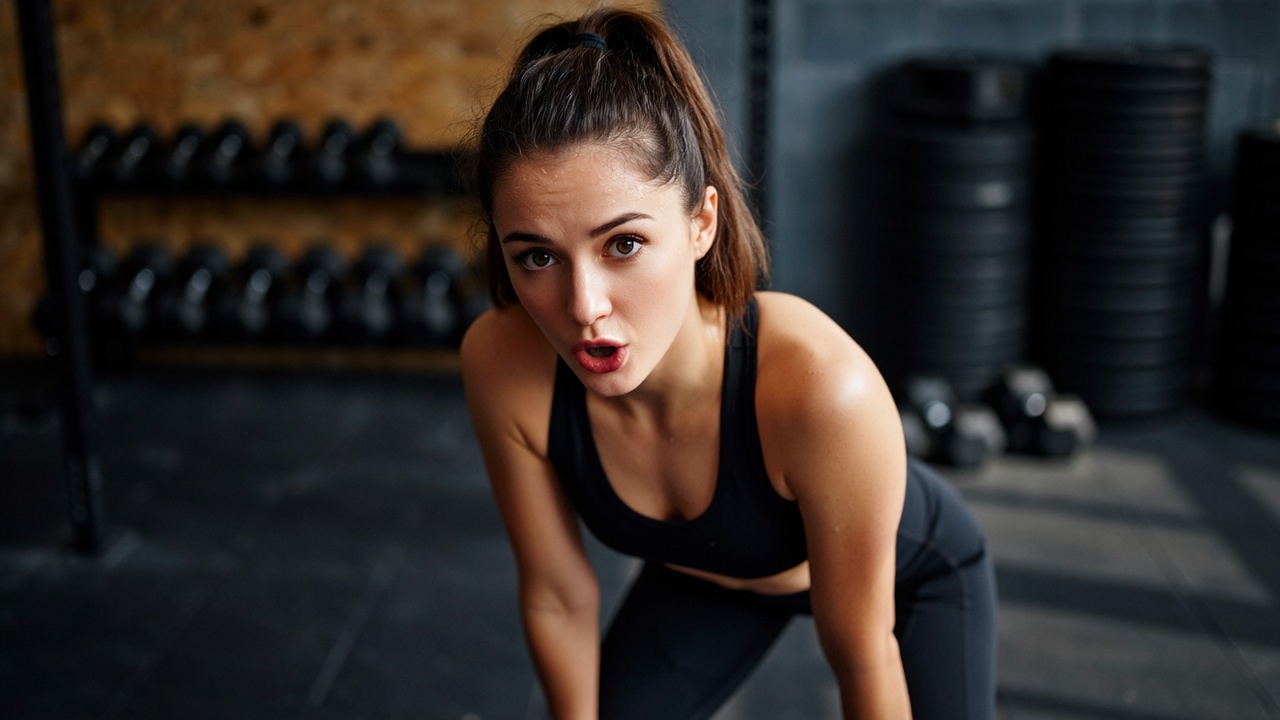
Generated Video
Source Materials
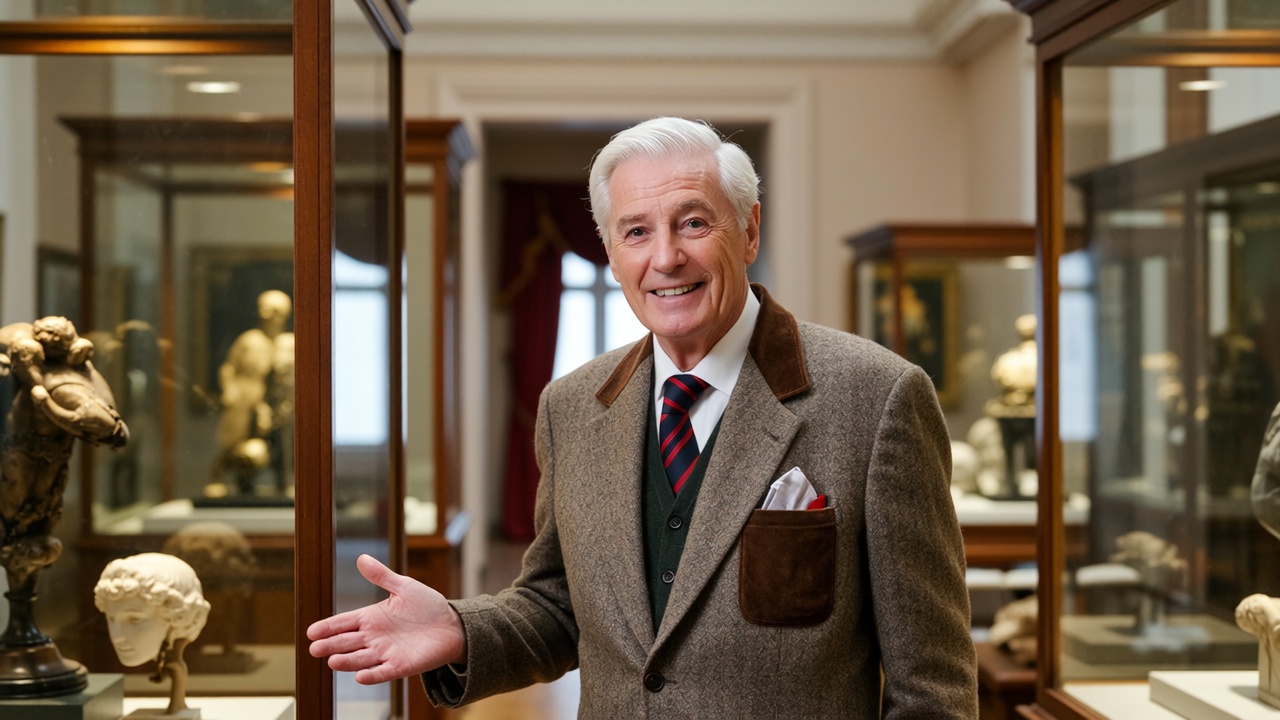
Generated Video
Source Materials

Generated Video
Upload your own photo or select from our avatar library.
Use your own audio, or input a script and choose from voices in any language. You can even clone your own voice.
VibeAha transforms your image and audio into realistic, expressive videos in seconds.
An audio-based video generation model that creates ultra-realistic, lip-synced long videos with natural dynamics and consistent identity. It transforms static photos into vivid speaking or singing videos with precise lip synchronization, aligning head, face, and body movements with audio.
Watch how a single portrait photo comes alive with natural speech, realistic facial expressions, and seamless lip synchronization.

Audio Input:
Generated Result:
Experience full-body coherence with natural head movements, dynamic facial expressions, and perfect audio-visual alignment.

Audio Input:
Generated Result:
See how identity preservation maintains consistent facial features while delivering studio-quality lip sync and natural voice dynamics.

Audio Input:
Generated Result:
AI Talking Video is designed to push the boundaries of AI-driven video dubbing. With advanced synchronization and flexible generation options, it enables creators, businesses, and developers to produce videos that feel authentic, scalable, and professional.
Professional-grade audio-to-visual alignment ensures lip movements match speech precisely, preserving natural rhythm and pronunciation.
Captures head movements, facial expressions, and posture changes beyond the lips for a complete human-like experience.
Maintains consistent facial identity and visual style across frames, ensuring your character stays recognizable throughout.
Remove short-clip limits. Create lectures, podcasts, and full presentations without interruption, up to 10 minutes per generation.
Turns static photos into realistic speaking or singing videos with seamless animation and natural dynamics.
Produces seamless color tone consistency and natural dynamics across multiple speaker scenarios for professional results.
Minimizes distortion in hands, arms, and body positions, delivering smooth, stable output across extended sequences.
Support multiple characters in one video—each with independent audio tracks and reference controls for complex scenes.
Adapt to your workflow with both image-to-video generation and video-to-video enhancement for maximum versatility.
Combine one clear portrait with one audio track to create a faster talking-head style video.
Step 1
Choose a readable face image and a clean audio file so the model has stronger source material for sync.
Step 2
Run the workflow and review how well the expression, mouth movement, and pacing match the audio.
Step 3
Keep the cleanest result, regenerate if needed, and download the clip for explainers, promos, or social posts.
Questions about turning portraits and audio into talking videos.
Use a clear portrait with a readable face and a clean audio track without heavy background noise for the most stable talking video result.
It is useful for explainers, product intros, promo clips, founder messages, and creator content when you need a lightweight talking-head workflow.
Start with cleaner audio, a front-facing portrait, and enough facial detail so the model can map the speech rhythm more accurately.
Continue the workflow with nearby VibeAha video tools when you want translation, face swap, or other portrait-driven motion effects.
クリエイターがつくった、すべての人の中のクリエイターのためのVibeAha
私たちは TikTok と YouTube で合計 60 万人以上のフォロワーを抱える MCN を運営しているので、動画クリエイターとしてのアルゴリズムの揺れや制作の大変さをよく知っています。VibeAha は、私たちが理想とするクリエイションのかたち──コラボしやすく、誰でも使いやすく、そして速い──を実現するためのツールです。VibeAha をもっと直感的で、もっとパワフルで、すべてのクリエイターとチームにとってより良いスタジオにし続けています。