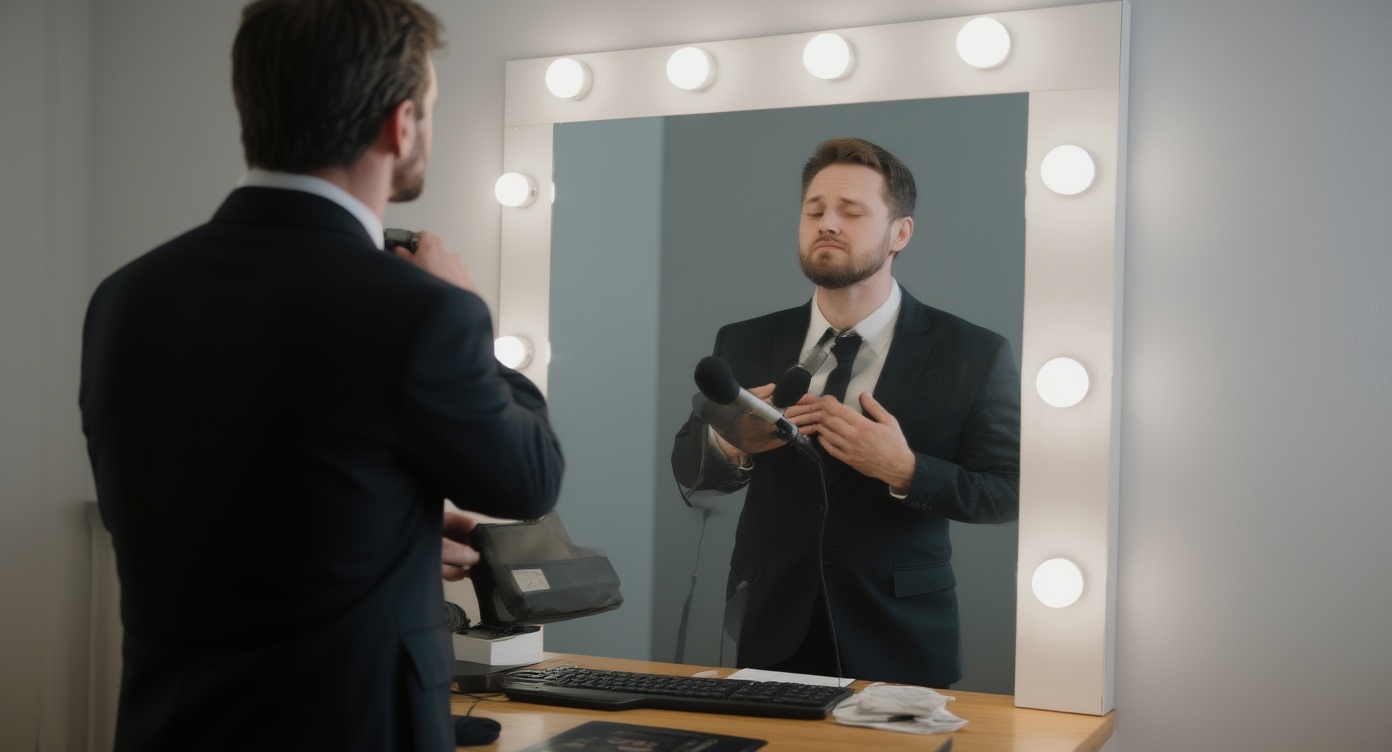
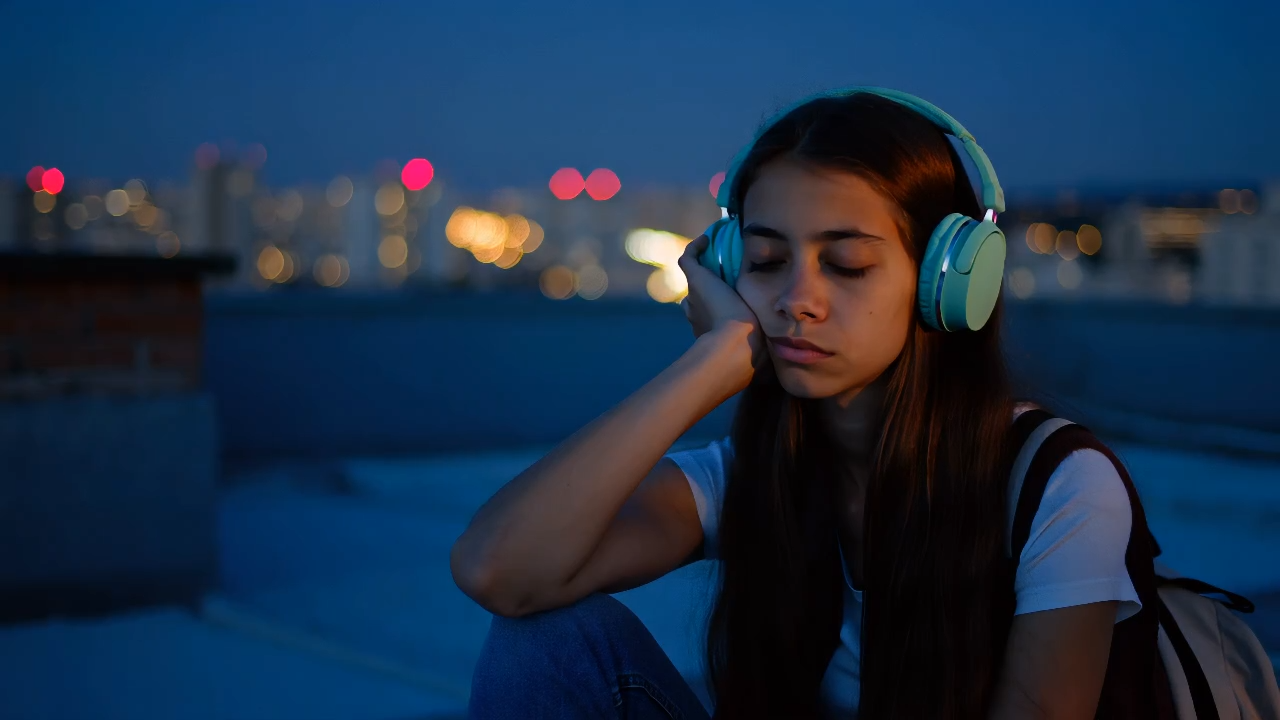
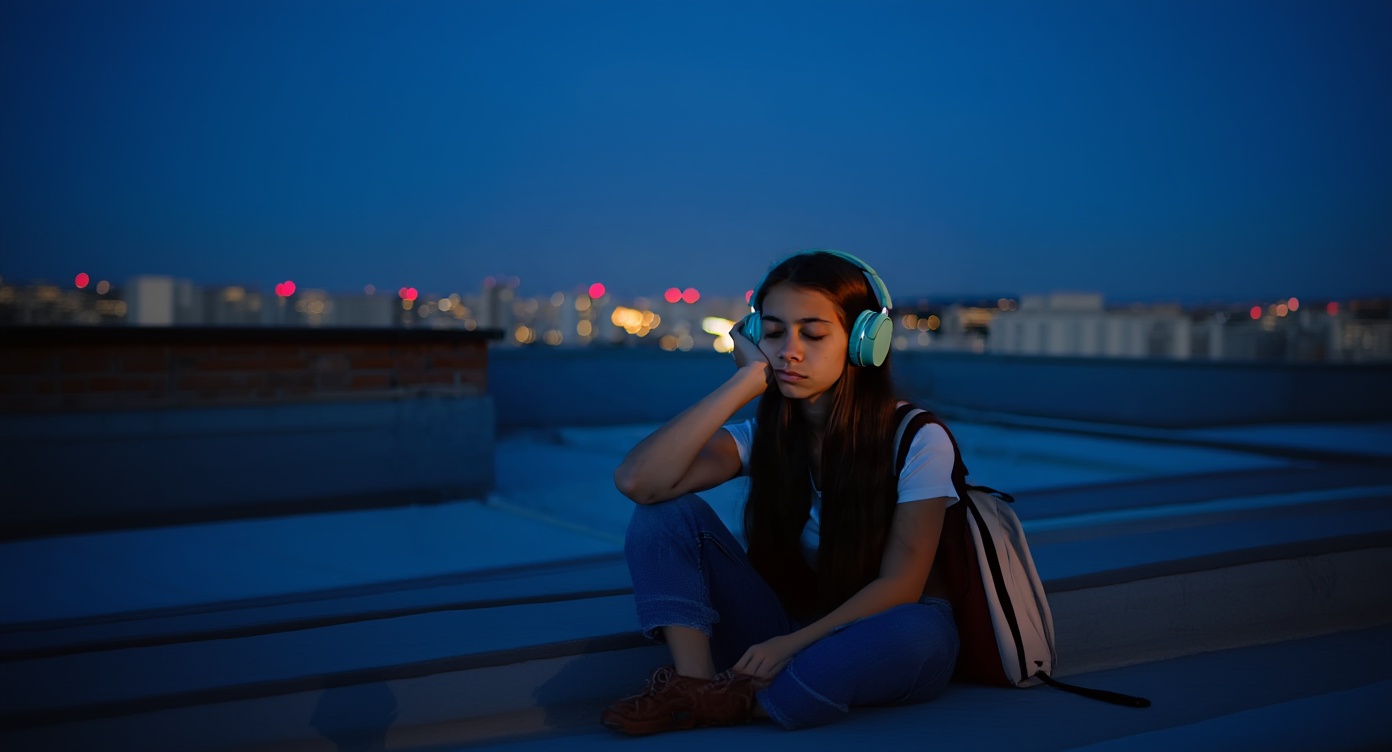
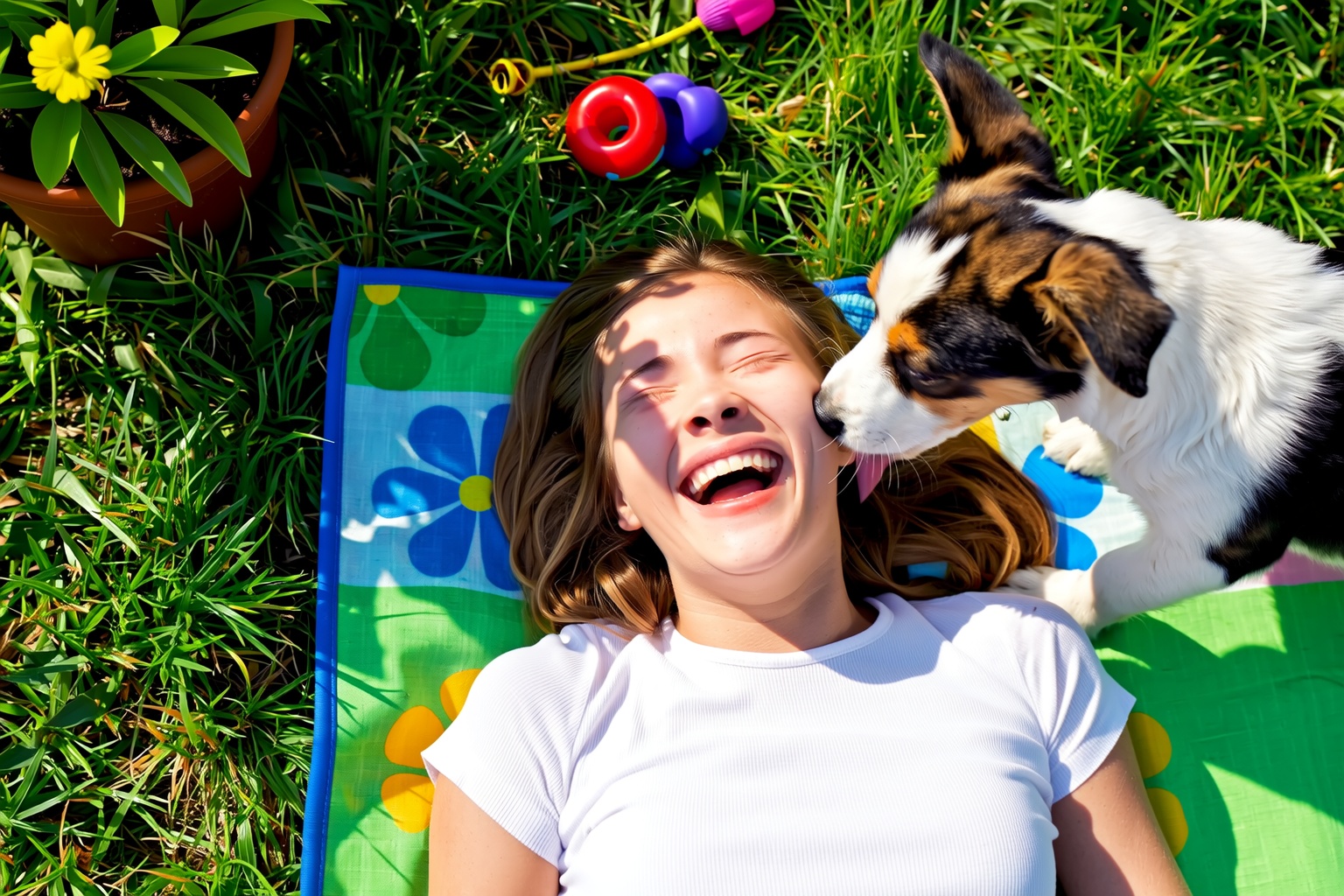
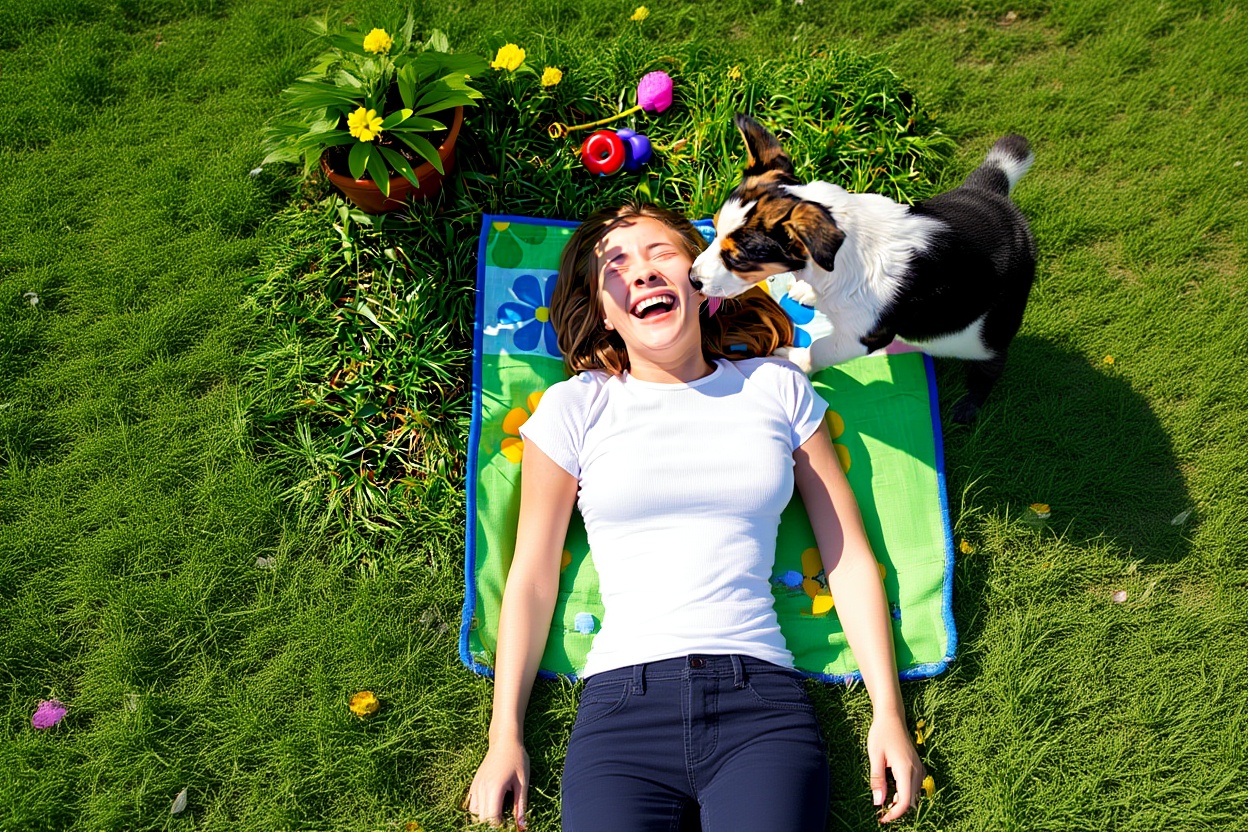
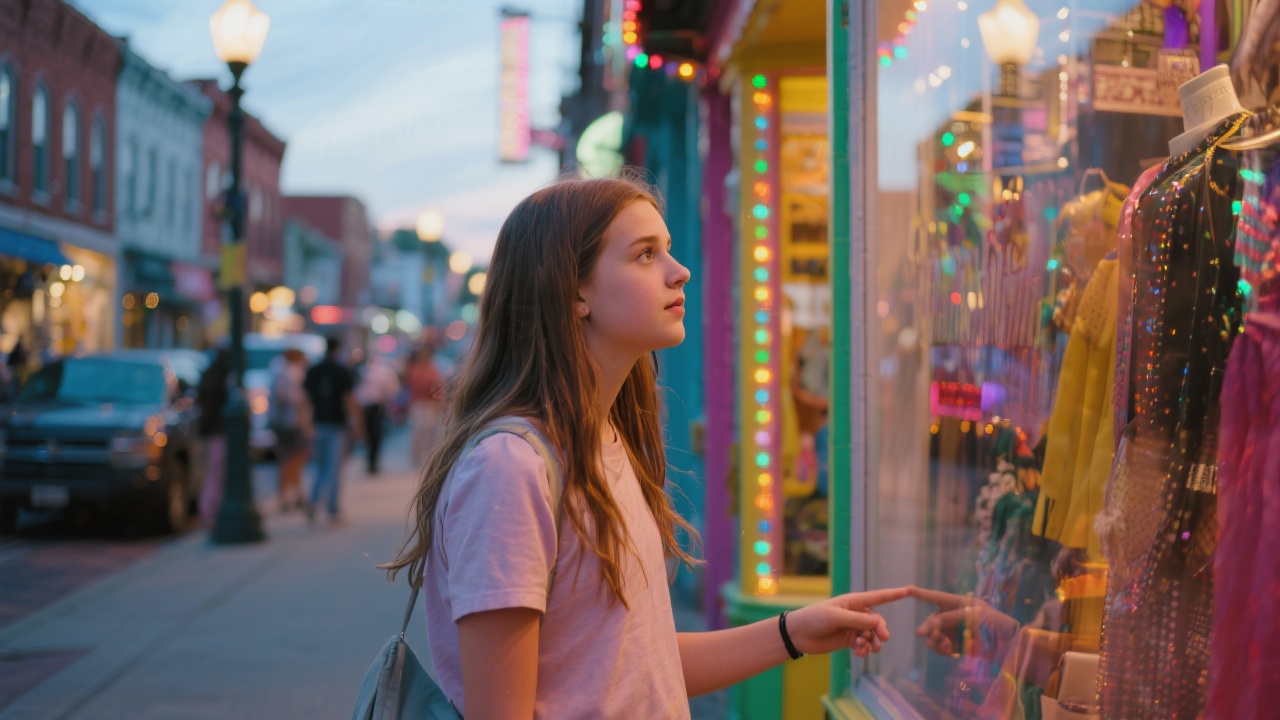
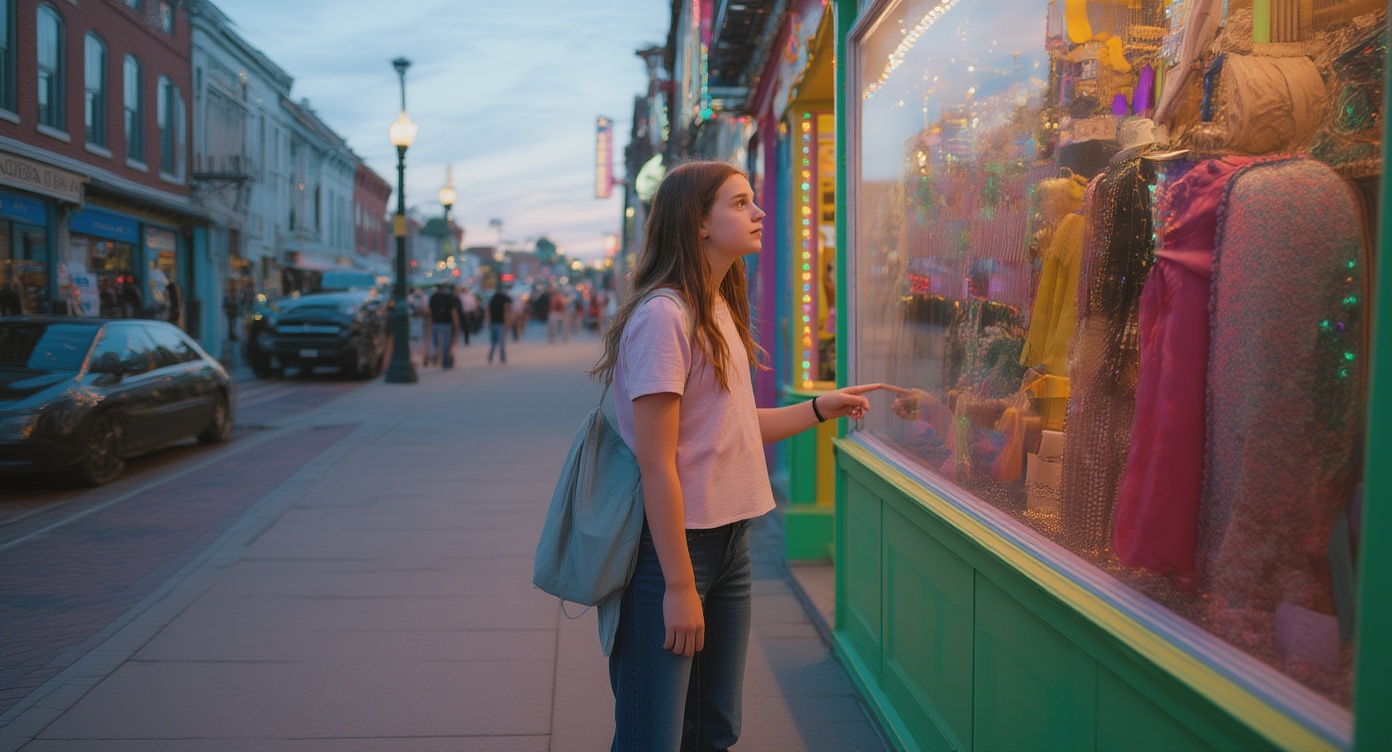
Step 1
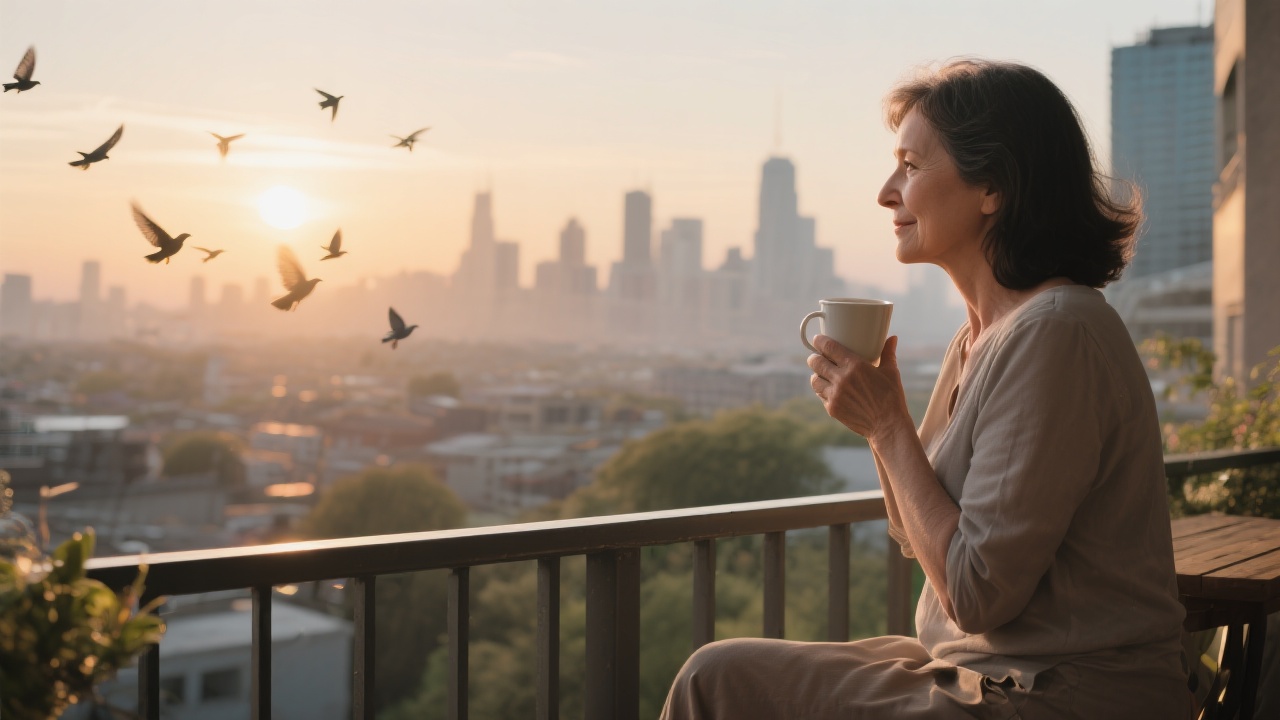
Upload the original image
Start with a clean source image that already has the right subject and visual direction.
Extend the canvas around an image and create cleaner room for banners, social crops, and layout changes.
Use outpainting when an existing image needs more space for layout, copy, or a new crop ratio.
Step 1
Start with a clean source image that already has the right subject and visual direction.
Step 2
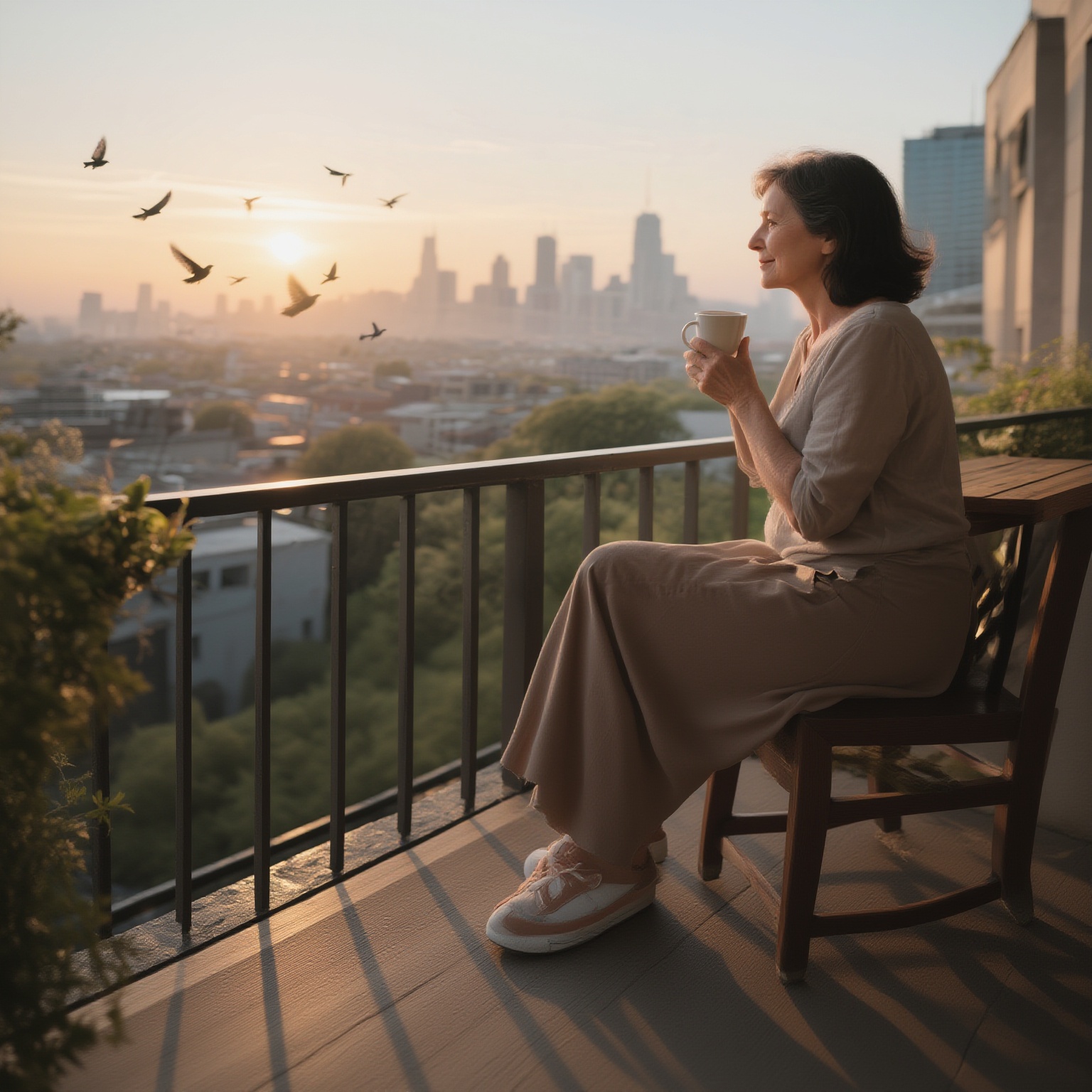
Expand the frame where you need extra space, whether that is for a banner, hero, or vertical adaptation.
Step 3
Review the new edges, keep the most natural outpainted result, and export the image for the next layout step.
Questions about extending image borders with AI outpainting.
It is best used when an existing image needs more space for banner copy, mobile crops, hero layouts, or ad sizes without rebuilding the main subject.
Start with a clear source image, avoid low-detail originals, and expand in the direction that gives the model enough visual context to continue naturally.
Use Image Expander when the current image is already good and only needs more canvas. Generate a new image when the composition itself still needs to change.
Follow image expansion with other VibeAha tools for upscaling, new model generations, or additional creative edits.
크리에이터가 만든, 모든 사람 안의 크리에이터를 위한 VibeAha
우리는 TikTok과 YouTube에서 60만 명이 넘는 팔로워를 가진 MCN을 운영하고 있어서, 영상 크리에이터로서 알고리즘 변동과 콘텐츠 생산의 고충을 누구보다 잘 압니다. VibeAha는 우리가 생각하는 이상적인 크리에이티브 환경, 즉 협업하기 쉽고 누구나 접근 가능하며 빠른 워크플로를 담은 도구입니다. 우리는 VibeAha를 더 직관적이고 더 강력하며, 모든 크리에이터와 팀에게 더 좋은 스튜디오로 계속 발전시키고 있습니다.