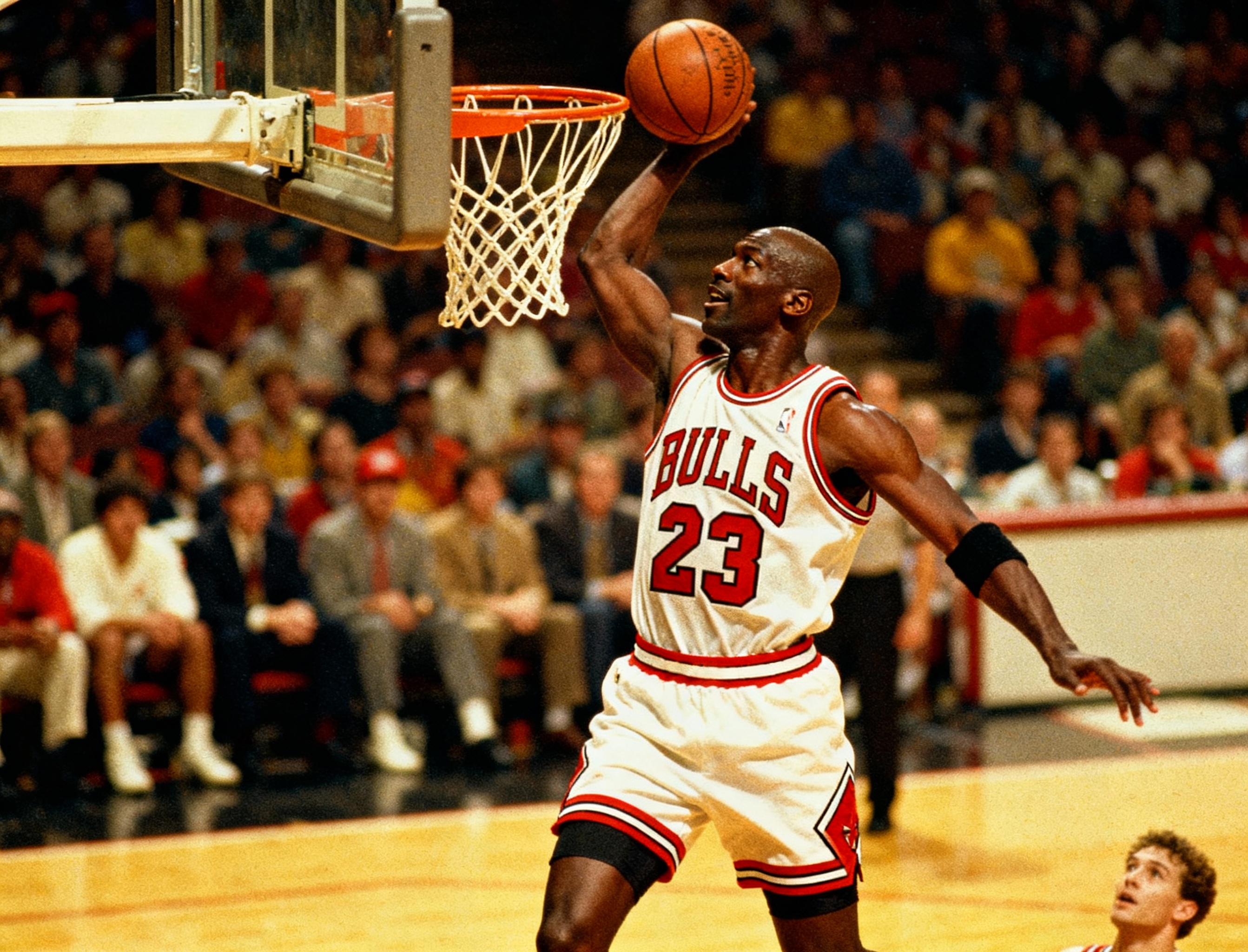



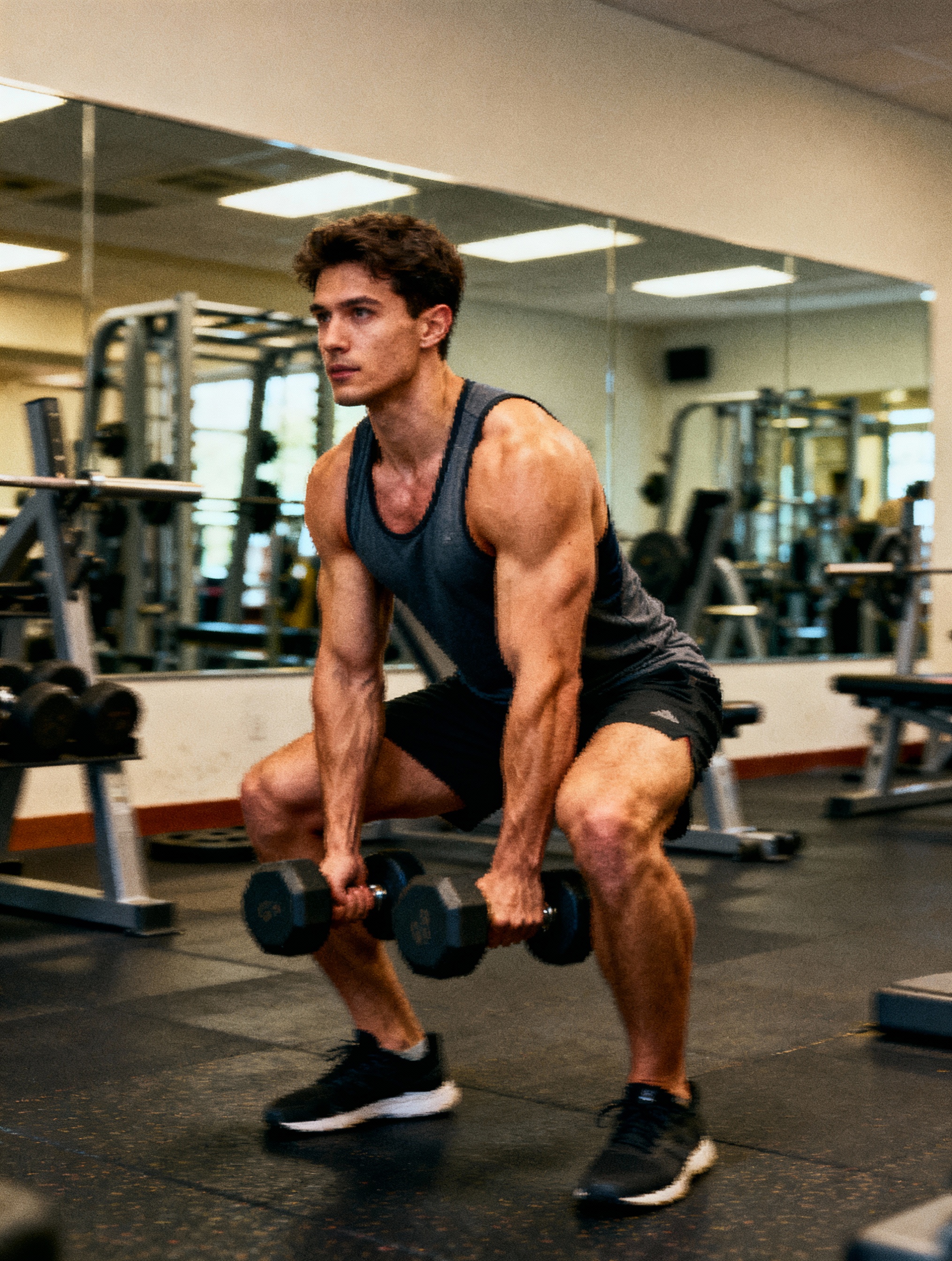
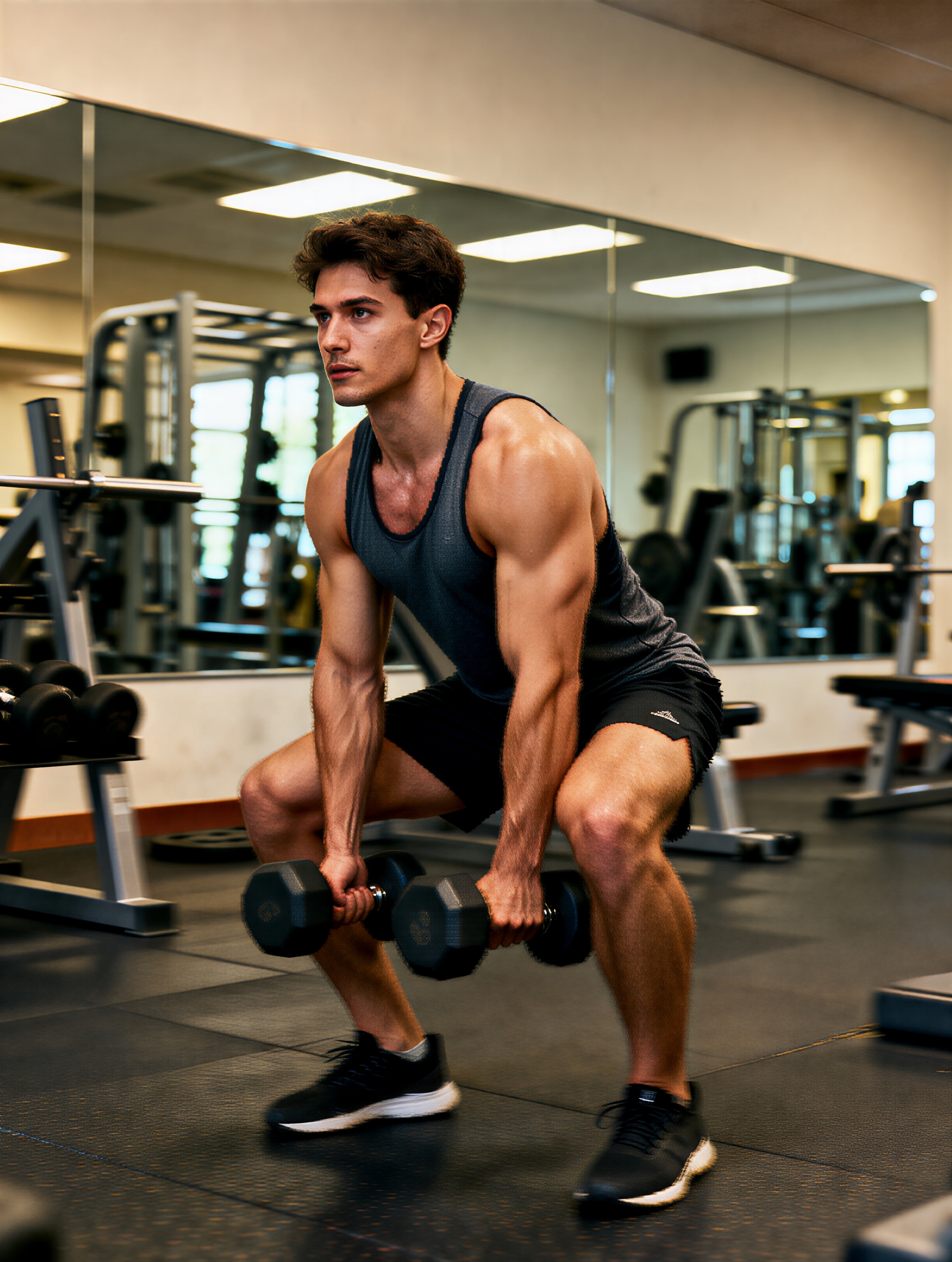
Step 1
Upload the original image
Choose the image that needs more resolution, sharper detail, or a cleaner export for your next use case.
Sharpen photos and image assets with AI upscaling built for cleaner edges and clearer export quality.
Improve a soft or undersized image by uploading it, running AI upscaling, and exporting the cleanest result.
Step 1
Choose the image that needs more resolution, sharper detail, or a cleaner export for your next use case.
Step 2
Let the model increase clarity and detail while preserving the core look of the original image.
Step 3
Compare the before-and-after result, keep the clearest export, and use it in ads, landing pages, or product assets.
Questions about sharpening photos and improving export quality with AI upscaling.
Product shots, social graphics, screenshots, generated artwork, and compressed photos benefit most when the original is slightly soft but still readable.
No. It is meant to preserve the original framing and subject while improving sharpness, detail, and export quality.
Use Image Upscaler when clarity is the problem. Use Image Expander when the canvas is too tight and you need more space around the subject.
Pair AI upscaling with VibeAha image expansion and generation tools when you need both clarity improvements and layout flexibility.
크리에이터가 만든, 모든 사람 안의 크리에이터를 위한 VibeAha
우리는 TikTok과 YouTube에서 60만 명이 넘는 팔로워를 가진 MCN을 운영하고 있어서, 영상 크리에이터로서 알고리즘 변동과 콘텐츠 생산의 고충을 누구보다 잘 압니다. VibeAha는 우리가 생각하는 이상적인 크리에이티브 환경, 즉 협업하기 쉽고 누구나 접근 가능하며 빠른 워크플로를 담은 도구입니다. 우리는 VibeAha를 더 직관적이고 더 강력하며, 모든 크리에이터와 팀에게 더 좋은 스튜디오로 계속 발전시키고 있습니다.