
Kling Motion ControlPowered by Kling 3.0
Control character motion in videos using Kling 3.0 Motion Control. Upload a JPEG or PNG character image and an MP4 or MOV reference video, then generate at 12 credits per second for 720p or 20 credits per second for 1080p.
0/2500 characters
No videos generated yet
Generate a video to see it here
How to Use Kling Motion Control
Follow these simple steps to create AI-powered motion-controlled videos with Kling Motion Control. Transform any static character image into a dynamic, moving video in just a few clicks.
1. Upload Character Image
Upload a clear JPEG or PNG character image that shows the head, shoulders, and torso. Kling 3.0 requires images larger than 300px with an aspect ratio between 2:5 and 5:2, so avoid tiny crops or extra-wide banners.
2. Add Reference Video
Upload an MP4 or MOV reference video that demonstrates the motion pattern you want your character to follow. Reference videos must be 3 to 30 seconds long, and if you plan to use image orientation the effective limit is 10 seconds.
3. Configure Settings
Choose your character orientation: select "image" to preserve the uploaded character direction for clips up to 10 seconds, or "video" to follow the reference video direction for clips up to 30 seconds. Then choose 720p at 12 credits per second or 1080p at 20 credits per second.
4. Generate Video
Click the Generate button and let Kling Motion Control AI work its magic. The system will analyze your inputs and create a new video where your character performs the exact movements from the reference video. Generation time depends on video duration and resolution.
Kling Motion Control Examples
Control character motion in videos by uploading a character image and a reference video. The AI generates videos where your character follows the motion pattern from the reference video.
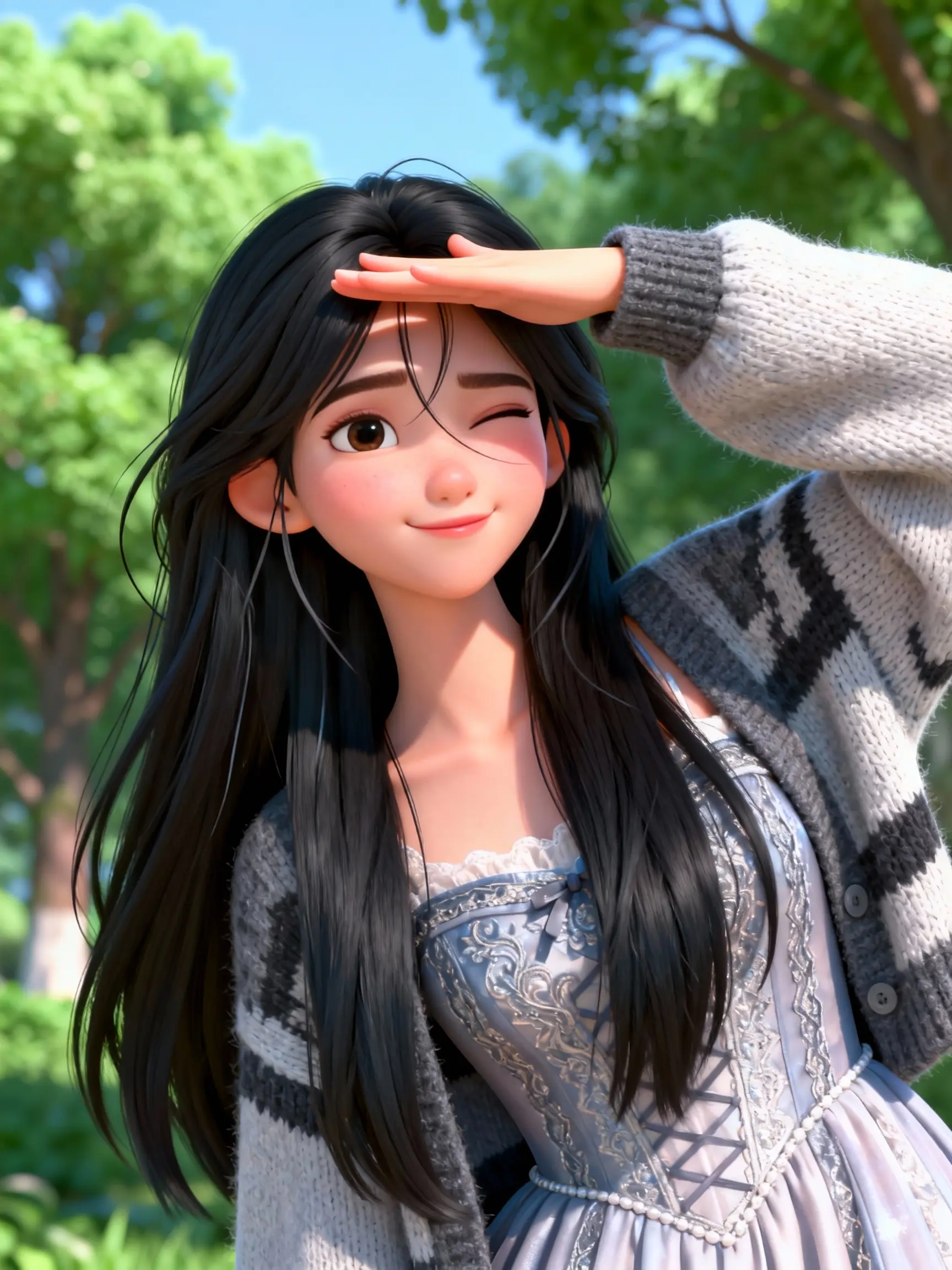
Cartoon Character Dancing
Watch how a cartoon character comes alive with natural dancing motion, following the movement pattern from the reference video.
Character Image:
Reference Video:
Generated Result:
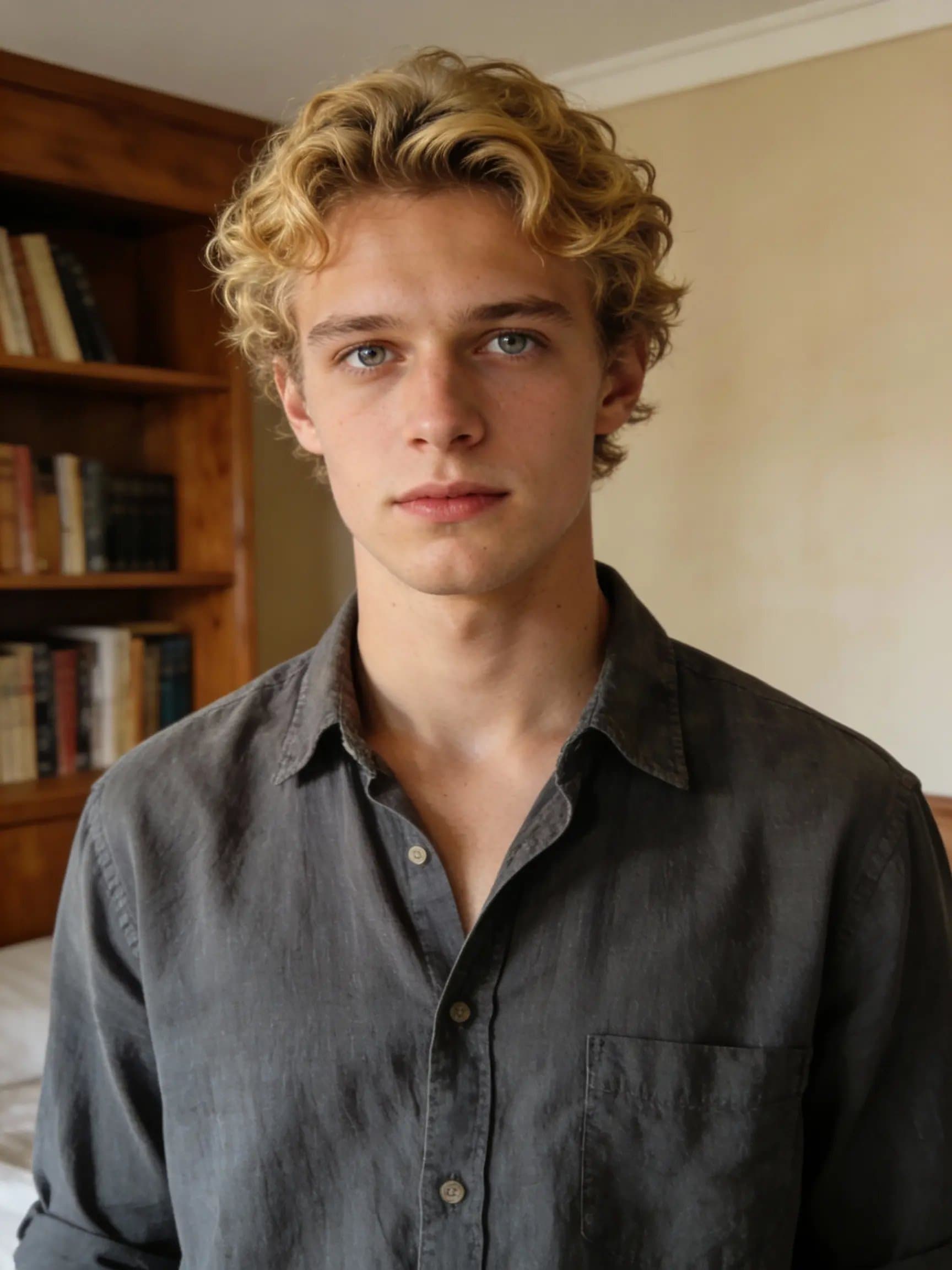
Character Motion Control
Experience precise character motion control with smooth transitions and natural movements matching the reference video.
Character Image:
Reference Video:
Generated Result:
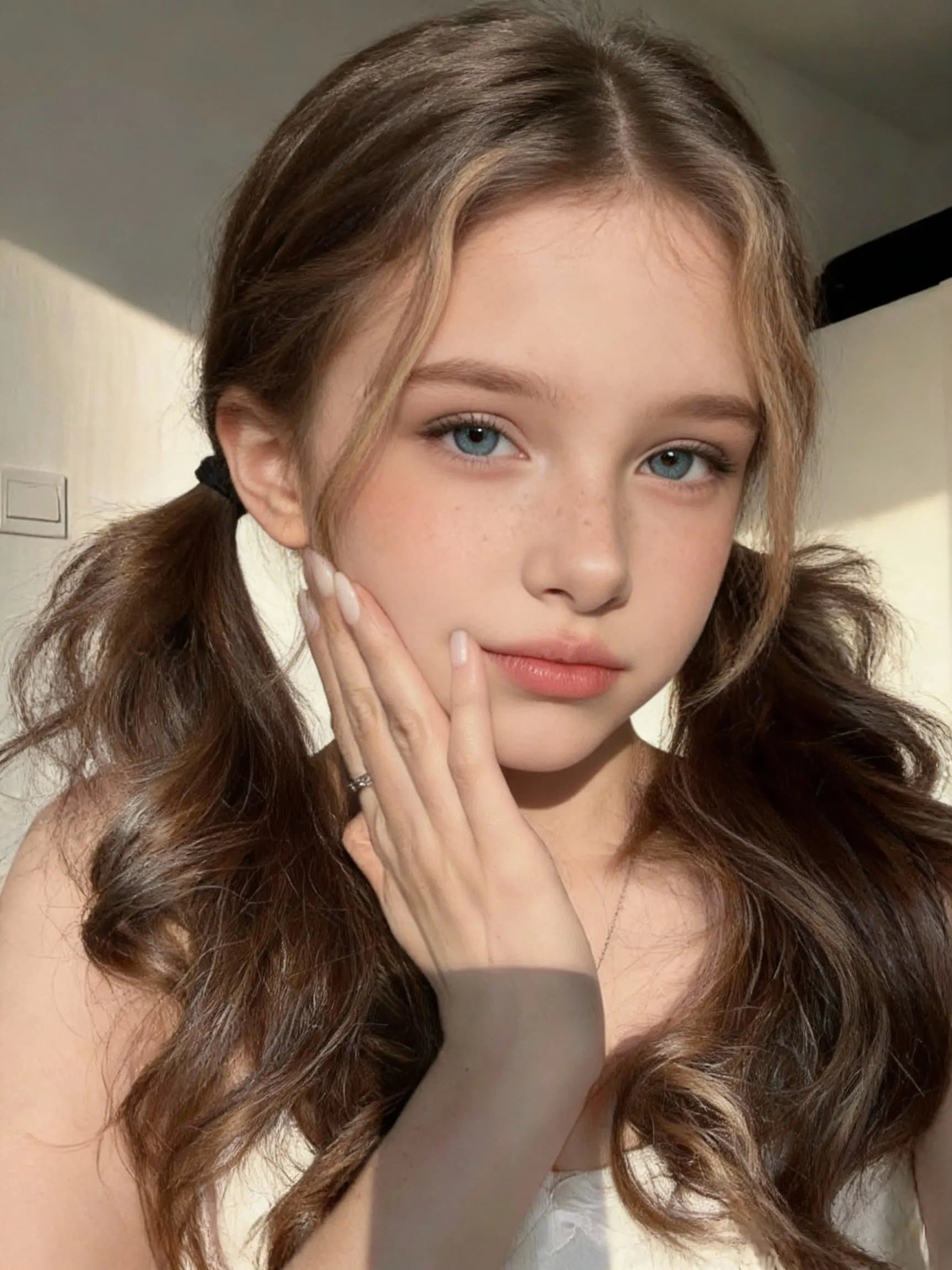
Advanced Motion Patterns
See how complex motion patterns are accurately transferred from reference videos to create realistic character animations.
Character Image:
Reference Video:
Generated Result:
Why Choose Kling Motion Control
Kling Motion Control is a powerful AI video generation tool designed for creators who need precise control over character animations. Discover the features that make Kling Motion Control the ideal choice for motion-controlled video creation.
AI-Powered Motion Transfer
Kling Motion Control uses advanced AI technology to accurately transfer motion patterns from reference videos to your character images. The sophisticated neural network ensures smooth, natural-looking animations.
Multiple Resolution Options
Choose between 720p and 1080p output resolution based on your needs. Kling 3.0 Motion Control charges 12 credits per second for 720p and 20 credits per second for 1080p, so you can trade off iteration speed and quality intentionally.
Character Consistency
Maintain perfect character consistency throughout the generated video. Kling Motion Control preserves the visual identity of your character while applying the motion from the reference video.
Flexible Video Duration
Generate videos from 3 to 30 seconds long with Kling Motion Control. Choose shorter durations for quick animations or longer videos for more complex motion sequences and storytelling.
Professional Quality Output
Kling Motion Control delivers professional-grade video output suitable for content creation, marketing, social media, and entertainment purposes. Every frame is optimized for quality.
Dual Orientation Modes
Kling Motion Control supports both image-based and video-based character orientation. This flexibility allows you to maintain the original character pose or adapt to the reference video positioning.
Kling Motion Control FAQ
Learn everything about Kling Motion Control, how to use it to control character motion in videos, and get the best results.
Kling Motion Control is an AI-powered video generation tool that allows you to control character motion in videos. You upload a character image and a reference video, and the system generates a new video where the character moves according to the reference video's motion pattern. This is perfect for creating consistent character animations and motion-controlled video content.
Kling Motion Control works by analyzing both your character image and the reference video. The character image should clearly show the subject's head, shoulders, and torso. The reference video provides the motion pattern that will be applied to your character. The system then generates a new video where your character performs the same movements as in the reference video, maintaining consistency with the character's appearance.
The input image should clearly show the subject's head, shoulders, and torso. Accepted image formats are JPEG and PNG up to 10MB, with width and height larger than 300 pixels and an aspect ratio between 2:5 and 5:2. Reference videos must be MP4 or MOV up to 100MB. If you choose "image" orientation the driver video can be up to 10 seconds; with "video" orientation it can be up to 30 seconds. All reference videos must be at least 3 seconds long.
Character orientation determines how the character is positioned in the generated video. Choose "image" to maintain the same orientation as the person in the uploaded image (maximum 10 seconds video). Choose "video" to match the orientation of characters in the reference video (maximum 30 seconds video). This setting helps ensure the generated video maintains the desired character positioning.
Kling Motion Control pricing is based on video duration and resolution. 720p generation costs 12 credits per second, while 1080p generation costs 20 credits per second. The total is calculated as credits per second multiplied by video duration, rounded up to the next credit. For example, a 10-second video at 720p costs 120 credits, and a 10-second video at 1080p costs 200 credits.
For best results, use a sharp, well-lit character image with the upper body clearly visible and avoid extreme aspect ratios. Choose a smooth, readable reference video with clean motion. Use "image" orientation when you want the output to preserve the pose and facing direction from the uploaded image, and use "video" orientation for longer clips or when the driver video's body direction should dominate. Choose 720p when you want faster, lower-credit iteration at 12 credits per second, and 1080p when you want higher fidelity at 20 credits per second.
Related tools
Keep testing nearby VibeAha motion tools when you want stronger control, a different model, or simpler image-to-video generation.
크리에이터가 만든, 모든 사람 안의 크리에이터를 위한 VibeAha
우리는 TikTok과 YouTube에서 60만 명이 넘는 팔로워를 가진 MCN을 운영하고 있어서, 영상 크리에이터로서 알고리즘 변동과 콘텐츠 생산의 고충을 누구보다 잘 압니다. VibeAha는 우리가 생각하는 이상적인 크리에이티브 환경, 즉 협업하기 쉽고 누구나 접근 가능하며 빠른 워크플로를 담은 도구입니다. 우리는 VibeAha를 더 직관적이고 더 강력하며, 모든 크리에이터와 팀에게 더 좋은 스튜디오로 계속 발전시키고 있습니다.